 By
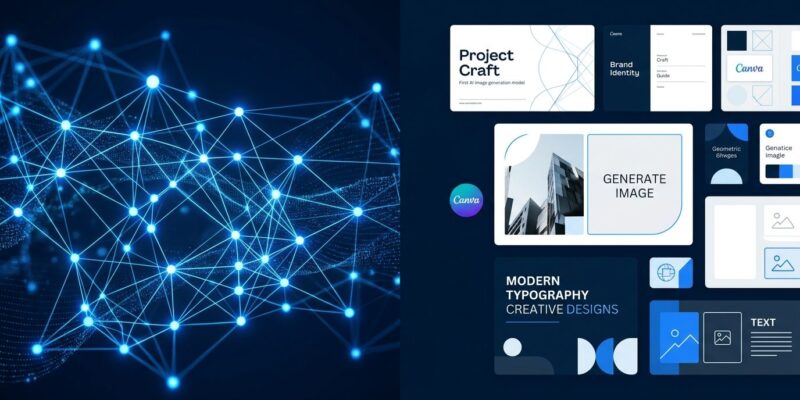
By Canva shipped its first in-house foundation model today. Craft debuted on DesignArena’s independent image generation leaderboard at fourth globally — behind only three OpenAI models — ahead of every model from Google, Microsoft, Meta, xAI, and ByteDance. It is available right now through Dream Lab for all Canva users, and via the Connect API for developers. The reason it performs this well on a first release: Canva trained it on design templates, not photographs.
What “Design-Trained” Actually Means
Most image generation models are trained on photographs scraped from the web. That training data makes them excellent at photorealism and terrible at the things designers actually care about — readable text, stable layouts, consistent visual hierarchy. Craft was trained on millions of professionally designed Canva templates: posters, social media posts, presentations, infographics, menus, and typography-heavy layouts. The model learned what good design looks like at a structural level, not just what things look like.
The architecture reflects this intent. Craft uses a two-stage pipeline. First, a planning model interprets your prompt and produces a structured composition plan — spatial relationships, element scale, visual hierarchy, and precise text details. Then a rendering model turns that plan into an image at up to 2K resolution across more than 30 aspect ratios. By separating planning from rendering, Craft produces legible text, precise object placement, and consistent layouts in ways that single-pass models cannot. It also supports prompts in any language and generates text in 55 languages.
There is a downstream benefit that only makes sense because of this architecture. Images generated by Craft can be passed to Canva Magic Layers, which parses the output and converts it into a fully editable layered design — text becomes live text boxes, objects become selectable layers. You cannot replicate this with DALL-E or Midjourney. The generated image is designed to be edited, not just saved.
The Benchmark Numbers
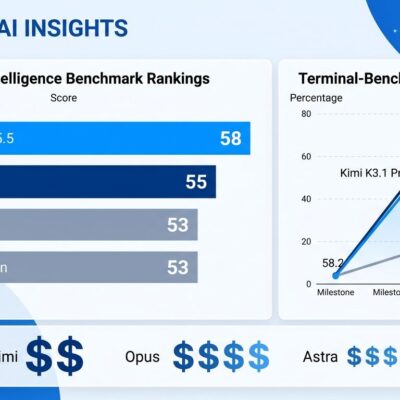
Craft debuted fourth on DesignArena’s independent leaderboard, which currently ranks 87 models. The top three spots belong to OpenAI: GPT-Image-2.5 Sunburst, GPT-Image-2.5 Flare, and GPT-Image-2. Craft sits directly below. In category rankings, it holds first place globally for People and Portraits and first for Landscapes and Nature. Second for Abstract and Patterns. Fourth for Products.
To be clear about what this means: this is Canva’s first-generation model, built by a research team that did not exist as an image generation lab before this. The incumbents Craft outperforms have had years of iteration. That gap will likely widen as Canva continues development.
Using Craft via the Connect API
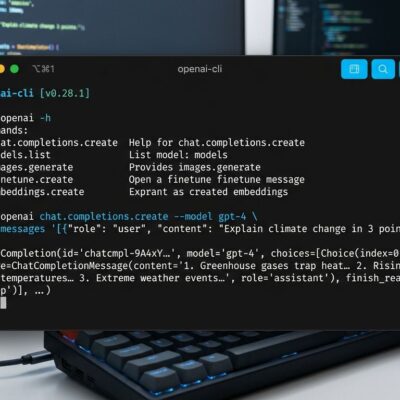
For developers, Craft is accessible today through the Canva Connect API image generation endpoint, currently in preview. The pattern is the same async job model used by Connect API exports and autofill: create a job, poll until complete, retrieve the image URL. The URL expires after 24 hours.
You need an OAuth token with the asset:write scope. To use Craft specifically, pin the model parameter to craft_v1_2k. Aspect ratio options are square, landscape, and portrait. If you skip the model parameter, the API picks for you — which may not be Craft.
POST /v1/image-generations
{
  "model": "craft_v1_2k",
  "prompt": "A bold tech conference poster with dark background and neon blue accents",
  "aspect_ratio": "portrait"
}
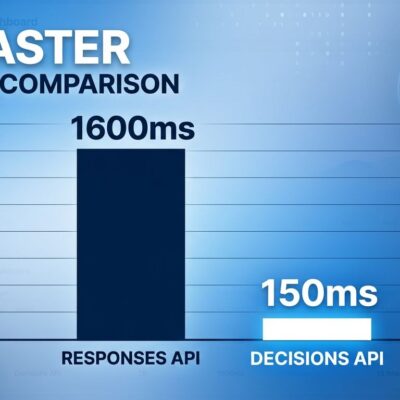
One honest caveat: each job takes 50 to 60 seconds end to end because of the two-stage planning pipeline. That latency is fine for batch processing or asynchronous workflows. It rules out real-time interactive use. Plan accordingly. Jobs also consume the user’s Canva AI credits, so you are spending credits from the authenticated user’s plan — factor that into any app design.
Why Canva Built This
Canva has more than 190 million users. At that scale, paying per-generation fees to OpenAI, Stability AI, or anyone else is extremely expensive. A first-party model changes that math fundamentally — the marginal cost per generation drops, and Canva controls the roadmap. When they want better typography or a new aspect ratio, they do not need to wait on a vendor.
There is also a competitive angle. Adobe built Adobe Firefly on licensed stock photography to differentiate on data provenance. Canva’s equivalent answer is Craft: trained on licensed design templates they own, generating outputs that integrate with Canva’s editing pipeline in ways no third-party model can replicate. Both companies are betting that vertically-integrated AI — where the model is built from and for their own data — is a stronger moat than plugging in whatever API scores best on a benchmark this quarter.
Canva’s first foundation model is live today. It is not yet better than OpenAI’s best. But it is already better than everything else, and it is version one.