 By
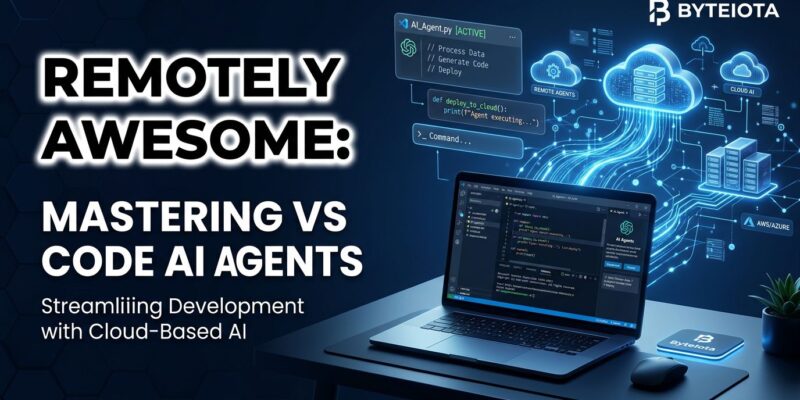
By VS Code 1.121 shipped on May 20 with a feature that sounds almost too simple until you think about it: AI agent sessions now run on remote machines and keep running after you close your laptop. Reconnect later — from a different device, or even a browser at vscode.dev/agents — and the agent is still there, still working. For anyone who has killed a long refactor by accidentally closing their terminal, this is the update you have been waiting for.
Remote Agents: How It Works
The Agents window now supports experimental remote sessions via SSH or dev tunnels. Connecting over SSH picks from your existing ~/.ssh/config entries — no new config to write. For dev tunnels, run code tunnel on the target machine first, then select it from the list in VS Code. Either way, VS Code auto-installs its CLI on the remote; you do not touch the server manually.
The architecture behind this is the Agent Host Protocol (AHP), a new open standard Microsoft is building in public. AHP is designed for multi-client state coordination — multiple VS Code windows (or third-party clients) can connect to the same agent session and see synchronized state. It is open by design, which means anyone building an AI dev tool can hook into it without waiting for Microsoft permission.
One security point worth flagging: if you use dev tunnels, make sure they require authentication (GitHub or Microsoft account). An anonymously accessible tunnel means anyone who finds the URL reaches your machine. Do not skip this.
Claude Agent Auto Permission Mode: Stop the Prompt Fatigue
The other headline feature is a Claude Agent setting that reduces the relentless approval prompts during long-running tasks. Enable github.copilot.chat.claudeAgent.allowAutoPermissions and Claude executes without stopping to ask for permission on every action. A separate classifier runs in the background, reviewing each action before it executes and blocking anything that escalates beyond the scope of the original request, targets unrecognized infrastructure, or looks like it was driven by hostile content Claude encountered during the task.
The design is right. Auto mode is not trust the model blindly — it is trust the model for routine actions, and let a second system catch the risky ones. For multi-hour agent sessions, this is the difference between a workflow that is actually autonomous and one that requires you to babysit a progress bar.
There is also a allowDangerouslySkipPermissions flag that bypasses all safety checks. Use it if you know your exact setup and trust your agent completely. Most people should leave it off.
Observability: Finally Knowing What Your Agents Are Doing
VS Code now emits OpenTelemetry signals from agent operations, and there is a prebuilt Azure Managed Grafana dashboard to visualize them. The setup runs an OTel Collector forwarding to Azure Application Insights — a one-time configuration that gives you ongoing visibility into token usage by model, tool call counts, per-model response latency, and time to first token.
The signal names follow the OTel GenAI Semantic Conventions, which means this is not Azure-locked. If your team already runs a Grafana stack, a Datadog agent, or any other OTel-compatible backend, the same signals work. The immediate value is understanding which agents are burning the most tokens and which tool calls are consistently slow — two things that were previously invisible.
Cost Controls: Route Cheap Tasks to Cheap Models
Two new settings — chat.utilityModel and chat.utilitySmallModel — let you specify which model handles background tasks like commit message generation, summaries, and rename suggestions. If you have been running a frontier model for git commit messages, you have been spending more than you need to. Both settings support BYOK, and a new Custom Endpoint provider (currently in Insiders) replaces the legacy customoai option with proper support for Chat Completions, Responses, and Messages-compatible endpoints.
The Rest: Worth a Quick Look
A few smaller improvements round out the release. Agent-initiated terminal commands now set a VSCODE_AGENT environment variable, which CLIs can detect to suppress progress animations and interactive prompts — a small but operationally mature detail. Output compression for agent terminal use has been expanded to cover pytest, jest, cargo, tsc, Docker, and package managers, reducing token waste during build and test runs. Password and passphrase prompts get intercepted automatically, showing a confirmation dialog rather than letting the agent either stall or accidentally expose credentials.
On the editor side, HTML files now open in an integrated browser preview without needing an extension, and Mermaid diagrams render natively in Markdown preview and notebook cells with pan and zoom. Quick suggestions default to off when Copilot inline completions are active, which eliminates the prefix misalignment that made autocomplete noisy.
What to Do
Update VS Code now. Remote agents require the Agents window (which uses the VS Code CLI on the remote), so make sure you are on 1.121 before testing. If you run long agent sessions, enable auto permission mode with the classifier backstop and see if it changes your workflow. If your team runs agents at scale, the OTel setup is a one-time investment with lasting returns — token visibility alone is worth it. Check the official release notes for the full changelog and the Agents window documentation to get started with remote sessions.