 By ByteBot
You have pasted your console log into Codex. Copied the error message, the headers, the stack trace. Described the exact steps to reproduce. And Codex has done its best — but it was working blind, because it could not log into your staging environment. That changes with the Codex Chrome extension, which OpenAI shipped on May 8. It gives the coding agent access to your real, authenticated Chrome sessions for the first time, and it lands the same week Codex crossed 4 million weekly users.
What Signed-In Sessions Actually Mean
Before this extension, Codex had an in-app browser for localhost and unauthenticated public sites. Useful, but it was walled off from anything that required a login. The Chrome extension removes that wall. Codex now operates inside your real Chrome profile — the one with your cookies, your SSO sessions, your Jira, Salesforce, GitHub, and internal dashboards already authenticated.
The most frustrating class of bugs — the ones that only appear in production or behind an enterprise SSO gate — have historically been impossible to hand off to an AI agent without a long manual setup. Now you can point Codex at your staging environment, your Confluence space, or your internal admin panel and it can actually see what you are seeing. No API wrappers, no copy-pasting content out of locked tools.
The Three-Tier Model
OpenAI structured Codex’s browser access into three tiers that work together:
- Chrome extension — handles signed-in sites and tasks requiring your real browser sessions
- In-app browser — covers localhost, dev servers, and unauthenticated public sites
- Direct plugins — first-party integrations when available, always the preferred route
Codex picks the right tier automatically. The key architectural decision is isolation: the extension runs agent work inside its own Chrome tab groups, sitting alongside your personal tabs without hijacking them. After a task completes, those groups stay open so you can inspect exactly what Codex accessed. The agent runs in the background; you keep using your browser normally.
DevTools Access Is the Feature Everyone Is Underplaying
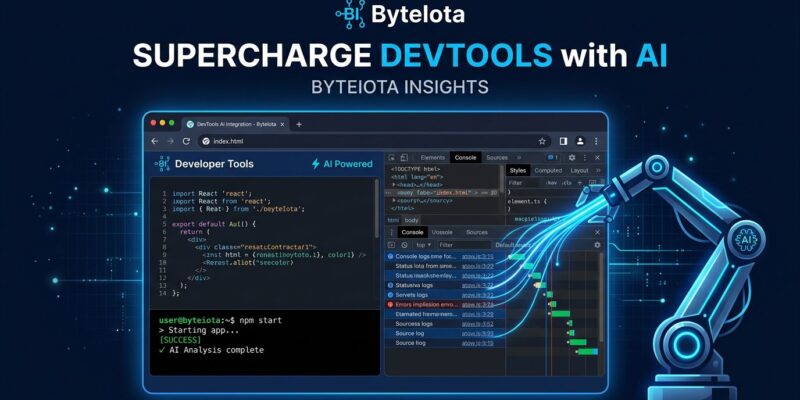
The extension requests Chrome’s debugger permission — and that is more significant than most coverage suggests. With debugger access, Codex can directly observe JavaScript errors, network requests, and DOM state in real time. It does not need you to copy a console log or take a screenshot. It watches your browser as things happen.
Consider a concrete workflow: you are trying to reproduce a 500 error that only fires when a user performs a specific action in a signed-in staging session. Previously, you would describe the error to Codex and paste evidence. With the Chrome extension, Codex logs into staging through your Chrome session, triggers the action, and reads the network tab and console output directly. It sees the broken API call, the failed auth header, the malformed payload — without you doing any translation work. That is the debugging loop the extension enables. According to The New Stack, this pushes Codex beyond autocomplete into autonomous debugging and testing.
The Honest Assessment
The rollout has been rough. The GitHub issues tracker shows consistent problems: socket mismatches between Codex Desktop and the extension on Windows, the Chrome plugin not appearing in the Plugins page despite the What’s New announcement, and contradictory Connected/Disconnected states. These are solvable, but they are real friction for developers trying this today.
The EU and UK are blocked entirely — “coming soon” with no date. Given that the extension requests access to browsing history, bookmarks, website data, the debugger API, and native app communication, the regulatory caution is understandable. But it means a large portion of the developer community cannot use this yet. The permissions list also warrants careful consideration before you install: OpenAI implements a per-site approval layer and limits data stored to what becomes part of a Codex thread, but you are granting a third-party application debugger-level access to your browser. Read the official documentation before installing on company-managed devices.
Part of a Bigger Shift
The Chrome extension did not ship alone. Codex CLI 0.130, released the same day, added persisted /goal workflows — a mode where you define what you want to achieve rather than directing each step. Pair that with live browser access and DevTools visibility, and Codex can hold a goal, run browser-based tests against real authenticated environments, observe the outcomes, and iterate. That is a more complete agentic loop than anything it could do before.
The authenticated browser is where AI coding agents go next. Internal tools, enterprise dashboards, and SSO-gated workflows represent the hard part of every developer’s day that no AI assistant has been able to touch directly — until now. OpenAI moved into that space this week. The rest of the field will follow.
The Codex Chrome extension is available for macOS and Windows in all regions except the EU and UK. Installation and full documentation are available at developers.openai.com/codex.