 By
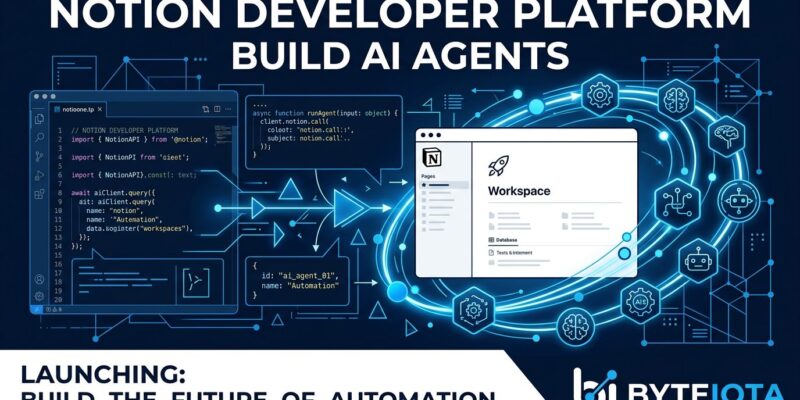
By Notion shipped code execution. That’s the real headline from their May 13 Developer Platform launch — not another AI chat feature, not smarter search. Workers: a hosted TypeScript runtime where you write logic, deploy via CLI, and Notion runs it on their infrastructure. Pair that with an External Agents API that brings Claude, Codex, and Cursor into your workspace as native participants, and Notion has quietly crossed from productivity app into developer platform territory. The question worth asking is whether this is a genuine shift or a feature dressed up in bigger clothes.
What Actually Shipped
The May 13 release (version 3.5) has four meaningful pieces. Workers is the compute layer — more on that in a moment. The External Agents API makes Claude Code, Cursor, Codex, and Decagon first-class workspace participants rather than tools you context-switch to. Database Sync lets you pull Zendesk, Salesforce, Postgres, or any API-accessible source into Notion databases automatically. And the ntn CLI ties it together for developers and their coding agents. There’s also a rebuilt developer portal at app.notion.com/developers with better documentation and a built-in AI assistant.
Workers: Lightweight, But the Right Kind of Lightweight
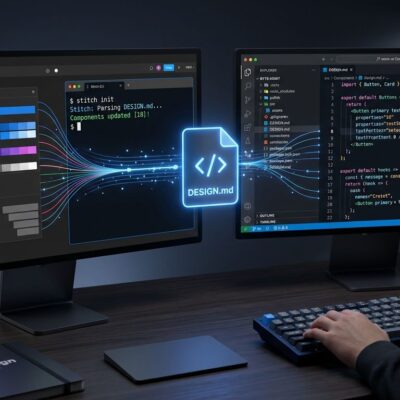
Workers are the part most developers haven’t fully absorbed yet. Small TypeScript programs that you scaffold, write, and deploy to Notion’s hosted runtime — built on Vercel Sandbox under the hood. No infrastructure to manage. The CLI workflow is three commands:
ntn workers new zendesk-sync
# write your sync logic
ntn workers deploy
The constraints are real: 30-second timeout, 128MB memory limit, stateless between invocations. This is not a Lambda replacement. But that’s the wrong comparison. Workers target a specific niche — syncing data, responding to webhooks, running custom logic inside the workspace where your team already lives. The value is friction removal, not raw compute power.
One caveat worth noting: Workers are on Business and Enterprise plans only. If you’re on a Plus plan, you get the CLI but not Workers deployment. That paywall will frustrate smaller teams — and it should, because the most interesting capabilities are locked behind $20/user/month.
External Agents API: Agents as Teammates, Not Tools
The External Agents API is where the platform ambition becomes clearest. Claude Code, Cursor, Codex, and Decagon don’t just connect to Notion via MCP or some webhook — they become native participants. They show up in your agent list, receive work assignments from teammates (including non-engineers), and take actions inside the workspace. You can chat directly with Claude Code in a Notion page the same way you’d chat with a colleague.
Notion’s bet: your team already lives here. Their knowledge, their tasks, their databases. Why send an agent to a separate tool when you can bring the agent into the context? It’s a defensible position. It’s also a competitive one — Notion becomes harder to replace if Claude Code’s memory of your team’s work lives in Notion’s graph rather than somewhere else.
Database Sync Makes Agents Actually Useful
Agents are only as useful as the context they operate on. Database Sync solves the stale-data problem: write a Worker that pulls from your Zendesk instance, deploy it, and support tickets start flowing into a Notion database — kept fresh automatically. Your agents then operate on real, current business data rather than whatever export someone ran last week.
Vercel’s internal deployment makes this concrete. Their “Ship-DX” Worker fires when a new launch is created in Notion’s Launch Calendar. It automatically creates Linear issues for dev experience teams, fills in ticket descriptions, sets due dates, creates sub-issues, and pings the launch lead in Slack. That’s a real workflow that used to require Zapier, custom webhooks, and manual coordination — now it’s a deployed Worker. TechCrunch has more on how early adopters are putting it to use.
Where Competitors Stand
Confluence has Rovo AI bundled into all paid plans — 20+ pre-built agents covering documentation tasks, starting at $5.42/user. That’s 3.7x cheaper than Notion Business for AI-powered workflows. What Confluence doesn’t have is a hosted code execution runtime or an External Agents API that makes third-party AI systems native workspace participants. That gap is Notion’s differentiation right now.
The honest assessment: if you’re a large team already deep in Atlassian — Jira, Confluence, Slack — Workers alone won’t move you. If your team already runs on Notion, the Developer Platform meaningfully extends what you can build without leaving your existing toolchain.
What to Actually Do With This
If you’re on Notion Business, install the ntn CLI, identify one high-friction sync job your team does manually — support tickets, CRM data, release tracking — and build a Worker for it. Workers are free during beta. You have until August 11, 2026, before credits kick in, which is enough runway to test whether this fits your stack.
The bigger picture: Notion joining Cloudflare and Vercel in the “platform for AI agents” category signals where the productivity layer is heading. Your workspace is becoming compute. Whether that’s worth $20/user/month depends on how much of your team’s context already lives in Notion — and for many teams, the honest answer is: more than you think.