 By ByteBot
Brave shipped version 1.94 on August 28, 2026, adding built-in email aliases to the browser. Ad blockers stop cookies, pixels, and JavaScript trackers. They have never touched email-based tracking — because that exchange happens between servers, after you have already left the site. Brave 1.94 is designed to cut the link before it starts: give the site a throwaway address and your real inbox never enters the equation.
The Tracking Problem Ad Blockers Cannot Fix
When you sign up for a service with your real email address, you are handing over a durable cross-site identifier. The retailer hashes it and ships it to Google Customer Match, Meta’s Conversions API, or the Trade Desk’s identity graph. The matching happens server-to-server. No JavaScript, no cookie, no tracking pixel changes hands — just an API call between two backend systems after you have moved on. Brave Shields, uBlock Origin, ETP — none of these intercept server-to-server data transfers that happen after the fact.
This is not a hypothetical edge case. It is the default behaviour for most e-commerce and SaaS checkout flows. Your email address is quietly forwarded to advertising platforms that hold it indefinitely, linking your offline purchase history to your online advertising profile. Consent banners do not stop the technical mechanism; they just provide legal cover for it.
How Brave Email Aliases Work
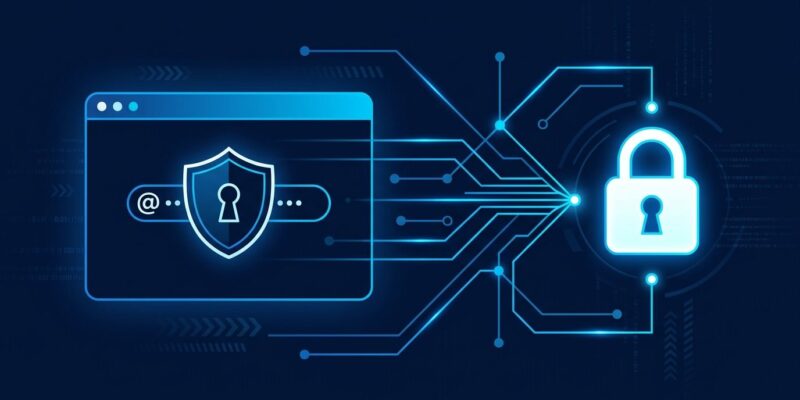
Click any email input field and Brave surfaces a hint: “New Email Alias.” Select it and Brave generates a unique forwarding address in seconds. The site receives only the alias. Incoming email arrives at Brave’s servers, gets forwarded to your real inbox, and is deleted from Brave’s infrastructure within seconds. The alias becomes disposable: if it starts receiving spam, deactivate it from Settings and create another.
If the autofill hint does not appear, right-click any email field and choose “New Email Alias.” Aliases are also manageable at Settings > Autofill & Passwords > Email Aliases. Brave processes forwarded messages for spam and virus filtering only — the company says it does not read email content beyond that automated scan.
The OPAQUE Authentication Architecture
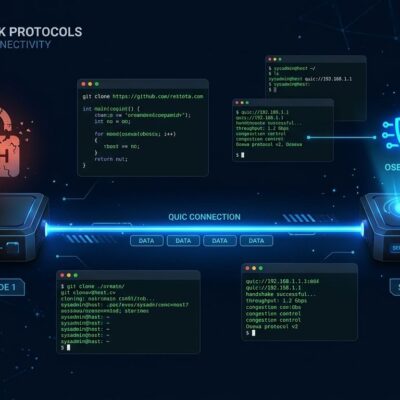
The alias system runs on top of Brave Accounts, built around RFC 9807 — the OPAQUE augmented password-authenticated key exchange protocol. Standard authentication stores a bcrypt or scrypt hash of your password on the server. If the server is breached, an attacker can run offline dictionary attacks against the hash. OPAQUE never sends your password to the server, not even as a hash.
During registration, the client and server run an Oblivious Pseudorandom Function protocol. The server stores an OPRF output derived from your password but never the password itself. During login, your device uses the stored credential record to prove identity without transmitting the secret. A database breach gives an attacker nothing useful to crack offline. Brave is effectively saying: you have to trust us with email forwarding, but you do not have to trust us with your password.
What You Get — and What You Do Not
Brave 1.94 ships five free aliases. Power users who need fifty will still want SimpleLogin or Addy.io. This is a browser-native baseline, not a full replacement for dedicated alias services. The feature is desktop-only at launch — mobile support is listed as upcoming. Creating aliases requires a Brave Account, which some in the privacy community will object to on principle, though OPAQUE addresses the largest concrete concern about account-based services.
The spam folder risk is real and acknowledged. Some forwarded messages may be mis-routed initially as receiving mail servers adjust to the new alias domain. Brave warns users to check their spam folders after first use with an alias.
Where This Fits Among the Alternatives
| Service | Free Aliases | Browser Native | Auth |
|---|---|---|---|
| Brave 1.94 | 5 | Yes (Brave only) | OPAQUE (RFC 9807) |
| Firefox Relay | 5 | Extension required | Standard |
| Apple Hide My Email | Unlimited (iCloud+) | Safari only | Standard |
| DuckDuckGo Email | Unlimited | Extension required | Standard |
| SimpleLogin | 10 | Extension required | Standard |
Firefox Relay offers five free aliases behind an extension. Apple Hide My Email is unlimited but locked to iCloud+ on Safari. DuckDuckGo Email Protection gives you unlimited aliases but requires their DNS service and a separate sign-up. Brave’s approach is the most tightly integrated for existing Brave users — one fewer account, one fewer extension, and better cryptographic authentication than most competitors. The OPAQUE choice differentiates it on a dimension that matters: what happens when the account system gets compromised.
The built-in alias system is available now on Brave desktop. Brave’s official announcement has setup instructions and the full account security architecture. Read the BleepingComputer technical breakdown for more on the forwarding mechanics. A paid Premium tier with more aliases is in the pipeline.