 By
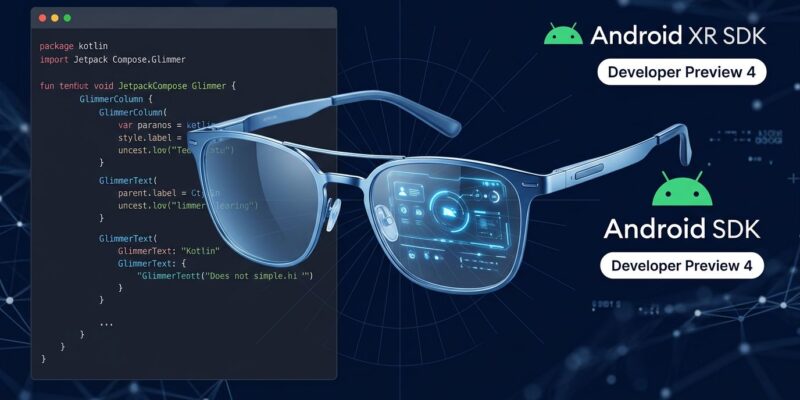
By Google dropped Android XR SDK Developer Preview 4 at I/O 2026 today, alongside hands-on demos of actual glasses hardware. Hardware partners are locked — XREAL, Samsung, Warby Parker, Gentle Monster — and fall 2026 is the confirmed ship date. If you’re an Android developer, your five-month window to have an app ready at launch just started. Google Glass this is not.
Two Hardware Tiers, Two Development Paths
The most important thing to understand before writing a single line of code: Android XR glasses aren’t one product. They come in two distinct form factors with different APIs, different design constraints, and different user expectations. Building for both with one undifferentiated app is a mistake.
Audio-only glasses have a camera, microphone, and speakers but no display. Interaction is entirely voice-driven. If you’re targeting this tier, your primary tool is the Gemini Live API for conversational AI — real-time translation, voice-triggered lookups, audio-only notifications. No Compose UI required.
Display glasses add a transparent in-lens overlay visible only to the wearer. This is where XREAL’s Project Aura sits: 70-degree field of view, MicroLED waveguide display, tethered Snapdragon AR2 Gen 2 compute puck, dual 12MP cameras, and a sub-50g target weight. Development here requires Jetpack Compose Glimmer — a UI toolkit built specifically for glanceable, glasses-first interfaces.
Pick your target early. A display glasses experience is architecturally different from an audio-only one. Plan for both from the start, or commit to one tier and go deep. Straddling both without a clear design plan produces a poor experience for each.
What’s New in Android XR SDK Developer Preview 4
The Android Developers Blog outlines three additions in DP4 that matter to developers shipping for the first wave of hardware.
Jetpack Compose Glimmer is the required UI toolkit for display glasses. It ships with Text, Icons, Title Chips, Cards, Lists, Buttons, and — new in DP4 — Button Groups optimized for glasses touchpad input. Glimmer replaces standard Compose animations with glasses-appropriate behavior: clear focus outlines instead of ripple effects, simplified color palettes, and typography tuned for all-day readability. The design constraints are strict: minimum 24sp text, content positioned 75–150cm from the user, and no more than 3–5 simultaneous UI elements. Everything must dismiss quickly. Glanceable means glanceable — if users have to stare, you’ve already failed the design.
Jetpack Projected APIs bridge your phone app to the glasses display. Adaptive Android apps surface in the glasses environment automatically and without code changes. However, automatic adaptation produces a basic experience, not a differentiated one. The Projected APIs give you control over exactly what content projects to the lens and how. The full Android XR developer documentation covers the setup in detail.
ProjectedTestRule API, also new in DP4, automates testing for projected environments. Combined with the existing Android XR Emulator — which simulates accurate field of view, resolution, and DPI — you can do meaningful development and validation without physical hardware in hand.
Runtime Capability Checks Are Not Optional
Not all Android XR glasses will have the same sensors. Some have displays. Some don’t. Some have depth cameras. Some don’t. The Android XR SDK requires runtime capability checks before accessing any hardware — checking whether a display is present before rendering Glimmer UI, verifying sensor availability before enabling perception features. Build for the full range from day one, or you’ll refactor when hardware variants ship in fall.
The good news is the SDK handles capability routing cleanly. Jetpack Compose Glimmer documentation walks through the recommended patterns. Moreover, Android 17 merges Android, Chrome OS, and Android XR into a single unified system, which means apps built correctly for the range run natively on phones, tablets, Chromebooks, and XR devices without separate builds. That’s the upside of the capability check discipline.
ByteIota covered the broader Android 17 changes in the context of Android AppFunctions and Gemini Intelligence — the same architectural shift underpinning XR.
Privacy Is a Developer Responsibility Too
Smart glasses are under serious regulatory scrutiny right now. The UK’s Information Commissioner’s Office opened a formal investigation into Meta’s Ray-Ban glasses in March 2026 after footage captured by the glasses was reviewed by contractors — including recordings made in private settings. A class-action lawsuit followed in the US. Harvard researchers demonstrated that Ray-Ban glasses paired with facial recognition could identify strangers and pull home addresses in real time.
Google requires LED indicators whenever cameras or microphones are active. As a developer, you inherit responsibility for how you handle visual and audio data. Default to Gemini Nano for on-device processing — it keeps sensitive inference private and avoids the questions Meta is now facing about what data leaves the device. Don’t store raw visual data unless there’s a clear user-understood reason. Google Play policies for glasses apps are forthcoming. Getting ahead of this now is easier than retrofitting privacy controls under regulatory pressure later.
What to Do This Week
Download Android XR SDK Developer Preview 4. Set up the XR Emulator in Android Studio Ladybug or later — target API Level 35+. Build a basic projected experience using Jetpack Projected APIs, then layer in Glimmer UI components if you’re targeting display glasses. Use the ProjectedTestRule API to automate your test cases against simulated hardware.
XREAL’s Project Aura is the reference device — the most capable hardware in the first launch lineup. That’s your target spec: 70-degree FOV, tethered puck, Snapdragon AR2. Five months sounds like a long runway. It isn’t, if you’re starting from zero and want something polished when hardware ships in fall 2026.