 By ByteBot
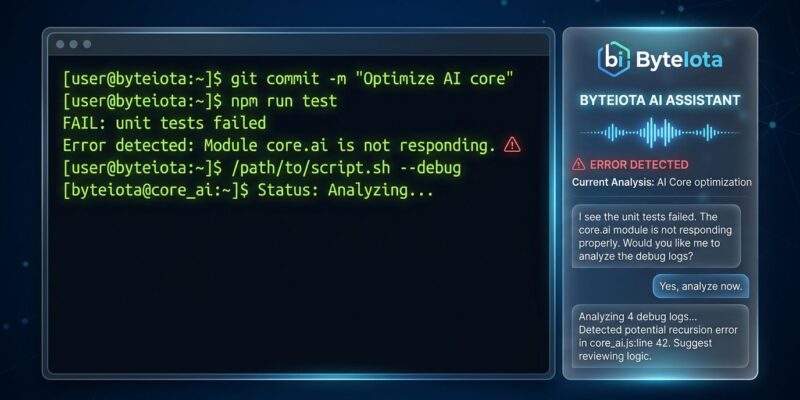
Microsoft shipped Intelligent Terminal 0.1 on June 4 — a fork of Windows Terminal that puts an AI agent directly in your shell. When a command fails, the terminal detects it, loads the error context into a docked agent pane, and lets the agent explain or fix it. No copy-pasting to a browser. No switching to your IDE. The error is right there, and so is the help.
What’s New
Intelligent Terminal adds two things Windows Terminal does not have: a status bar with an error detection icon and an agent pane. The icon lights up when a fixable error is detected. Press Ctrl+Alt+. — or just click the icon — and the agent pane opens with that error already in context. The agent can explain the failure and, depending on your settings, suggest or execute the fix.
It is configurable. You can tell it to detect only, detect and suggest, or go full auto-fix. Autonomous command execution requires an explicit confirmation. Microsoft says the terminal “always asks before running commands on your behalf,” and the current 0.1 build enforces that.
Which Agents It Supports
Intelligent Terminal uses the Agent Client Protocol (ACP) — the same open JSON-RPC 2.0 standard that Zed introduced in 2025 and JetBrains, Kiro, and now Microsoft have adopted. When the terminal starts, it scans for ACP-compatible CLIs already installed on the machine: GitHub Copilot CLI (default), Claude Code, OpenAI Codex, and Google Gemini. If none are found, it installs GitHub Copilot CLI via WinGet automatically.
The vendor-agnostic approach matters. Intelligent Terminal is not a GitHub Copilot product wearing a terminal skin — it routes shell context to whichever agent CLI you choose via a local stdio pipe. The terminal itself never calls the cloud.
How to Install
The fastest path:
winget install --id Microsoft.IntelligentTerminal -eIt is also on the Microsoft Store for automatic updates, and available as an MSIX or portable ZIP from the GitHub repo (MIT license). Windows 10 (19041.0+) and Windows 11 are both supported. Intelligent Terminal installs alongside — not instead of — your existing Windows Terminal. The standard terminal is untouched.
Why a Fork Instead of a Feature
Microsoft deliberately chose not to merge this into Windows Terminal. The reasoning is sound. Experimental agent code on a separate binary cannot cause regressions in the stable app. The team can iterate aggressively without touching compatibility constraints. And if the design does not land — if developers decide the agent pane is noise rather than signal — the fork can be abandoned without affecting millions of Windows Terminal installs.
There is also a lesson embedded in the decision. “We learned from Windows Recall that AI features need a careful opt-in path, not a forced update,” wrote Kayla Cinnamon, the product lead. The fork is the opt-in. You have to download a separate application. Nobody is getting the agent pane pushed to them.
The Legitimate Criticism
The internet had opinions. The top reaction in several community threads: “What’s with the urge to cram AI absolutely everywhere?” Windows Central ran with the headline “Microsoft has built a new version of Windows Terminal because it thought we needed some more AI in our day.” That is mockery, but it reflects real developer AI fatigue in mid-2026.
More substantive: enterprise governance is underbaked at 0.1. Group policy templates exist to disable the cloud option entirely, but the audit trail — which commands the agent ran, what shell context left the machine and when — is absent. For a tool that sits directly on top of operational workflows where sensitive logs and credentials appear, that is a gap that matters.
The Verdict
If you are already running Claude Code or GitHub Copilot CLI on Windows, Intelligent Terminal’s agent pane is a genuine quality-of-life upgrade. The error detection alone — the moment where the terminal sees the failure before you do and loads it into context — removes a friction point that costs developers minutes every day.
The opt-in fork approach is the right call. The enterprise audit gap is a real problem that 0.2 needs to address. And the AI-everywhere fatigue is legitimate pushback that Microsoft should take seriously. But the underlying premise — that the terminal should see errors and help without making you leave the terminal — is a premise worth betting on.
Install it, point it at whichever agent CLI you already trust, and see if the error detection changes your workflow. That is the only real test. Full details in the official announcement.