 By ByteBot
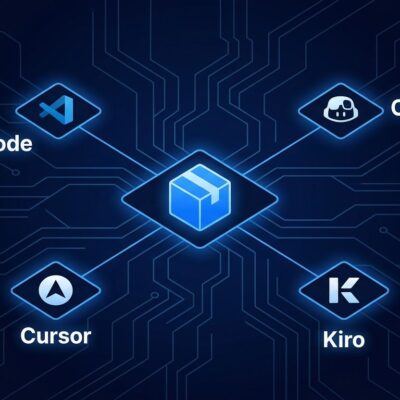
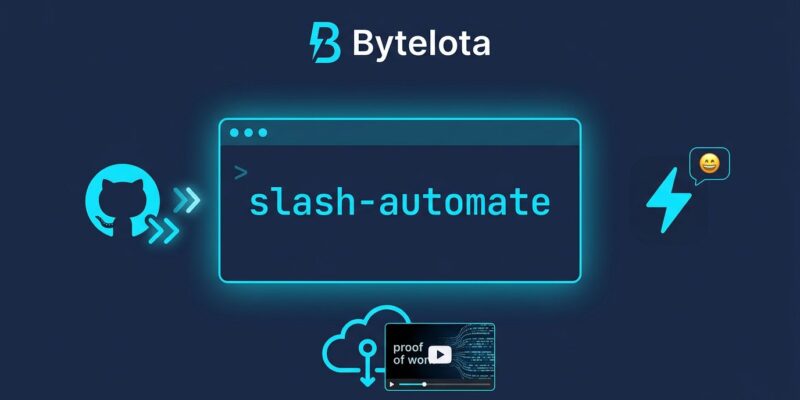
Cursor v3.8 shipped June 18 with changes that push it out of the IDE-copilot category and into DevOps platform territory. Three headline additions: a /automate skill that configures always-on agents from plain English, five new GitHub event triggers including native PR review comment handling, a Slack emoji-based trigger, and computer use enabled by default so cloud agents produce video or screenshot proof of their work. If you have been treating Cursor as a smarter autocomplete, this update should recalibrate your thinking.
What /automate Actually Does
Previous versions of Cursor Automations required dashboard configuration — selecting triggers, writing instructions, mapping tools. It worked, but it added friction between “I want this automated” and “this is automated.” The /automate skill collapses that gap.
You describe what you want inside your local agent session in plain language. Cursor configures the triggers, instructions, and tool access for you. No YAML. No separate dashboard visit. Example:
/automate When a PR review comment requests a fix, make the minimal
code change, reply on the thread, and resolve it. Include a screenshot
of the passing tests as proof of work.
That one instruction sets up the trigger (PR review comment), the behavior (minimal fix, reply, resolve), and the artifact (screenshot via computer use). The comparison to GitHub Actions is deliberate — Cursor is betting developers would rather talk to an agent than write YAML, and with this release, that bet looks correct.
The GitHub Triggers Worth Your Attention
Before v3.8, Cursor’s GitHub triggers covered broad strokes: PR opened, CI completed, PR pushed. The five triggers added in this release are more surgical.
PR review comment is the standout. When a reviewer leaves an inline comment requesting a fix, Cursor takes a first pass: makes the minimal code change, replies on the thread, and resolves it when possible. The instruction is to keep changes targeted — no heroics, just address what the reviewer asked for. This turns a 20-minute context-switch for the original author into a task the agent handles in the background.
The other four — PR review submitted, review thread updated, issue comment, and PR synchronize — round out the event surface. Issue comment is particularly useful for triage: when someone comments “this is blocking production,” that is a signal your automation can act on without waiting for a human to route it.
The Slack Trigger Is the Most Underrated Feature
The Slack integration sounds simple: react to any message with a designated emoji, kick off an automation. The use case is more powerful than the description suggests. On-call engineers live in Slack. When a production alert fires and someone reacts to it, that reaction is an intent signal. Cursor can now turn that signal into action — start a triage agent, open an issue with attached logs, kick off a patch workflow — without the engineer switching tools or configuring a webhook.
Computer Use and the 35 Percent Number
Computer use is enabled by default for every new cloud automation. Agents can open a browser, navigate to a running application, verify that a feature works, capture a screenshot or record a video, and attach it as proof of work.
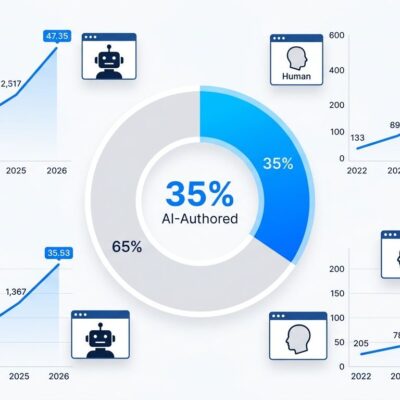
The reason this matters: 35 percent of Cursor’s own merged pull requests now come from autonomous cloud agents. At that volume, reading every diff is not a sustainable review process. A 30-second video of the agent clicking through the changed feature is faster to validate than 500 lines of code. As Mitch Ashley from The Futurum Group noted, the execution obligation has moved from authoring to directing and governing agent output. Video artifacts are how you govern at scale.
Where This Is Heading
Three days before v3.8 shipped, Cursor announced Origin — a new Git forge designed for the AI agent era. Git-compatible, MCP-extensible, with a parallel-first merge strategy and throughput numbers (22.6 commits per second in demos) that existing hosts were never designed for. Waitlist is open, fall 2026 release.
The trajectory is clear: write code in Cursor, automate workflows with Automations, host at scale on Origin. This is a software factory with agents at the center and humans in the review seat. The open question for teams running GitHub Actions workflows is not whether Cursor Automations can replace them — it is how long you wait before finding out it already does. See the full v3.8 changelog for details.