 By
By Anthropic shipped Agent View in Claude Code on May 11 — a research-preview CLI dashboard that puts every background session on one screen. The short version: Claude Code is now async-by-default. You dispatch tasks, keep working, and check back when an agent needs you instead of watching a terminal scroll. It ships in Claude Code v2.1.139+ and is available on Pro, Max, Team, Enterprise, and API plans. But “research preview” carries real caveats, and the quota math changes what “run agents in parallel” actually means in practice.
What Is Agent View
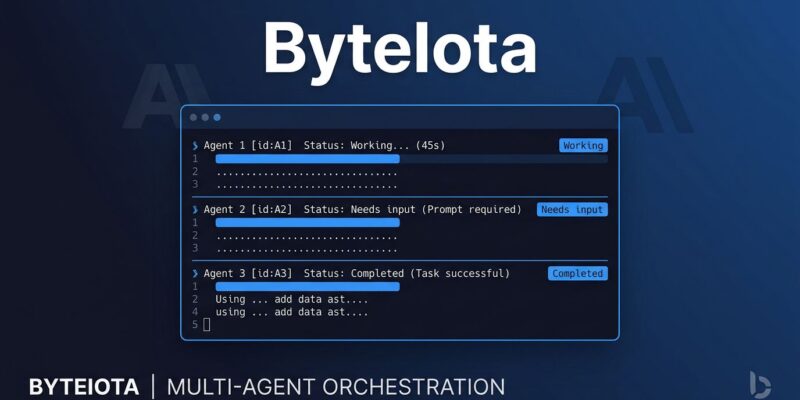
Run claude agents and the terminal turns into a session dashboard. Every background Claude Code session you have open — across all your projects — appears as a row, grouped by state: Needs input (yellow), Working (animated), Completed (green), Failed (red). A supervisor daemon keeps sessions alive independent of any terminal window, so closing your shell does not kill your agents.
The feature lands because the problem was obvious. Developers running multiple Claude Code sessions were managing chaos — tmux panes, terminal windows, mental state tracking. Third-party tools filled the gap: parallel-code, a community project that ran Claude Code, Codex, and Gemini in separate git worktrees side-by-side, showed there was real demand. Anthropic built it into the tool itself.
How to Use It
Three ways to start a background session:
# From the shell
claude --bg "investigate the flaky SettingsChangeDetector test"

# From inside an existing session
/bg "run the test suite and fix failures"

# From agent view — type a prompt at the bottom and press Enter
claude agents
Once sessions are running, the interaction loop is straightforward:
- Press Space on any row to peek — see the last output or the question the agent is waiting on, without fully attaching
- Type a reply in the peek panel and press Enter to answer and move on, staying in the dashboard
- Press Enter or → to attach fully (full conversation view, exactly like normal Claude Code)
- Press ← on an empty prompt to detach and return to the row list
You can also scope agent view to a single project with claude agents --cwd ./my-project, set defaults for all dispatched sessions with flags like --permission-mode plan --model opus, and run recovery after sleep or shutdown with claude respawn --all.
The Worktree Isolation Detail
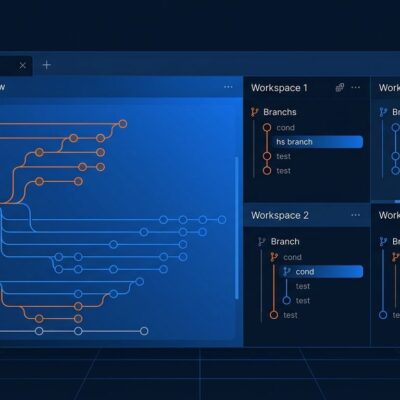
This is the part most coverage skips. When a background session edits files, Claude automatically moves it into an isolated git worktree under .claude/worktrees/. Parallel sessions read the same checkout but each writes to its own branch — no file conflicts by default.
The catch: the worktree is removed when you delete the session. If you have uncommitted changes and delete the row, they are gone. The workflow is merge or push before deleting. This is not optional fine print — agents doing real work in parallel branches need this step explicit in your process.
Outside a git repository, sessions write directly to the working directory and are not isolated from each other. Do not dispatch parallel sessions that edit the same files outside a git repo.
What “Research Preview” Actually Means
Anthropic uses “research preview” deliberately. For Agent View it means:
- Interface and keyboard shortcuts may change without notice
- Requires v2.1.139+ minimum — some flags (
--permission-modeonclaude agents) require v2.1.142+ - Sessions are local — they stop if your machine sleeps or shuts down; cloud-hosted session persistence is not available at this tier
- Using
autoorbypassPermissionsmode requires prior interactive acceptance per directory — a deliberate safety gate so unattended agents cannot act without explicit opt-in
For overnight autonomous tasks, the sleep limitation is significant. The current workaround is to run Claude Code sessions on a VPS rather than your laptop. That is not a seamless developer experience, and Anthropic has not committed to a timeline for cloud-hosted background sessions beyond the existing Claude Code on the web offering.
The Quota Math
Rate limits apply per session, not per account. Five concurrent agents consume quota roughly five times faster than one. Row summaries — the one-line description of what each session is doing — are generated by a Haiku-class model and refresh every 15 seconds per active session. Small per call, not free at scale.
The community consensus for Pro and Max plans: start with two or three parallel sessions. Teams on the API can push four to eight worktrees reliably. Above that, the bottleneck shifts from Claude to review bandwidth — you can run ten agents, but merging ten branches takes time you have not accounted for. Parallelism is not free compute. It is the same compute running more concurrently. Build your parallel session count around what you can actually review and merge, not around what Agent View can technically dispatch.
Should You Adopt It Now
Yes — with calibration. For independent tasks where you are currently switching between terminal windows, Agent View is a straightforward improvement. Dispatch a bug fix, a PR review, and a test investigation; keep working in another window; check in when a row turns yellow. The worktree isolation handles file conflicts automatically. PR status dots show inline whether checks passed. The workflow is better than the alternative today.
Hold off on building production multi-agent pipelines that other systems depend on. “Research preview” means the interface will change, the session persistence model may change, and the features you build dependencies on may move. The right posture: use it now for developer workflow, plan around general availability for anything that external systems need to rely on.
Check your version first: claude --version. Update with claude update if needed. The official Agent View announcement has the full changelog. Then run claude agents and see what you have been missing.