 By
You have never been able to build an iOS app on Linux. Not without a Mac somewhere in the pipeline. That changed this month. xtool is an open-source, cross-platform Xcode replacement that builds, signs, and deploys iOS apps from Linux or Windows — no Mac required. It hit 9,600 GitHub stars in its first week on the trending chart and ships a Claude Code skill so AI agents can build iOS apps too.
What xtool Does
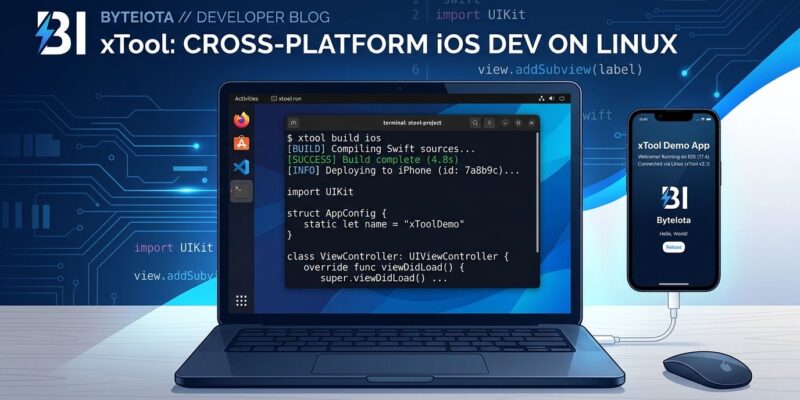
xtool is a command-line tool that replaces the Xcode build-sign-install pipeline. It takes a SwiftPM package and turns it into an iOS app, handles code signing and provisioning certificates automatically, and installs the result on a connected iPhone or iPad — all from a terminal on Linux, Windows (via WSL), or macOS.
There is no GUI. There is no .xcodeproj. If your project is already a Swift Package, xtool works without migration. If it uses an Xcode project, you will need to convert it first.
Installation on Linux takes one line:
curl -L https://get.xtool.dev | shAfter that, the setup sequence is four commands:
xtool setup          # one-time config
xtool auth           # authenticate with Apple ID (browser flow)
xtool sdk            # downloads Darwin SDK (~2GB, one-time)
xtool new HelloWorld && cd HelloWorld && xtool dev
xtool dev builds the app, signs it, and installs it on whatever iPhone is connected via USB. The device must be plugged in — there is no simulator on Linux yet.
The Developer Account Reality
xtool works with a free Apple ID. The catch is not xtool’s: it is Apple’s. Apps sideloaded with a free account expire after 7 days and must be reinstalled. A paid Apple Developer account ($99/year) removes the limit and unlocks TestFlight and App Store distribution.
For personal projects and development testing, a free ID is workable. For anything shipping to users, you need the paid account. xtool does not change this constraint — it just means you can now sideload from Linux.
Why CI/CD Teams Should Pay Attention
GitHub Actions macOS runners cost roughly ten times more than Linux runners. For teams running iOS builds in CI, that adds up. xtool makes it possible to run iOS builds on standard Linux runners — the same infrastructure you already use for everything else.
xtool’s own release pipeline demonstrates this. It uses a matrix build across Linux x86_64, Linux aarch64, and macOS via GitHub Actions. The Linux portion handles AppImage builds; macOS handles the final notarized .app. Teams can take the same approach: build and test on Linux runners, reserve macOS only for the final signed artifact if needed.
AI Agents Can Now Build iOS Apps
xtool has a Claude Code skill. Install it with:
/plugin marketplace add 2389-research/claude-plugins
/plugin install xtool@2389-research
After that, you can ask Claude Code to scaffold and build an iOS app and it will use xtool’s CLI to do it. The skill covers project creation, app extensions, widgets, and share extension configuration.
Until now, AI coding agents building iOS apps hit a hard stop: they needed a Mac to build and test anything. With xtool, the full cycle — write, build, install — runs in a Linux terminal that any agent can control.
What xtool Cannot Do
Know the gaps before committing to setup:
- No SwiftUI Preview. Live preview requires Xcode and a macOS Simulator. Changes mean building to a real device.
- No Instruments. Profiling tools remain macOS-only.
- No Interface Builder or storyboards. SwiftPM projects only; .xcodeproj files are not supported.
- Windows requires WSL. No native Windows binary yet; it is listed on the roadmap.
- Device required. No Linux simulator means you need a physical iPhone or iPad connected via USB.
For greenfield SwiftUI projects, most of this list is irrelevant. For existing Xcode-heavy codebases, migration is real work.
What This Actually Means
Requiring a Mac to build for iPhone was never a technical requirement. Swift has run on Linux since 2015. The Darwin SDK is downloadable. Code signing is an API call. The Mac requirement existed because Apple controlled the only tooling — and nobody had shipped a credible alternative.
xtool is not a full Xcode replacement. It misses too much for that. But it is a working iOS build pipeline on Linux, which is the part that matters for most of the development loop: write code, build it, run it on a device, iterate. That loop now runs on Linux, and the Swift community’s response suggests developers have been waiting for exactly this.