 By
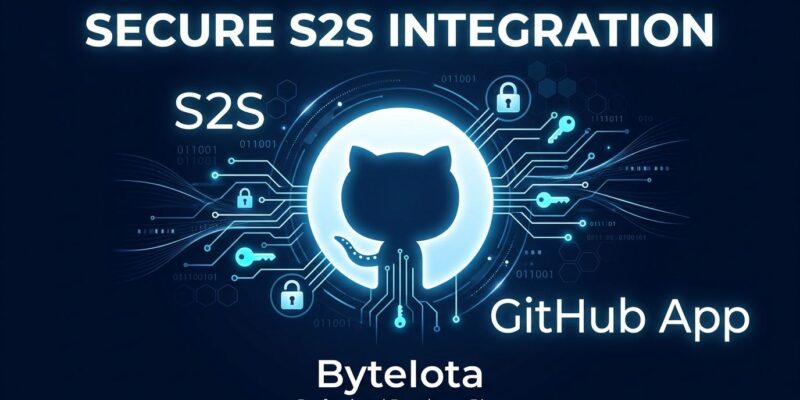
GitHub shipped server-to-server authentication for the Copilot SDK on October 27. GitHub Apps can now call Copilot APIs on behalf of an organization using a short-lived installation token — no human identity attached, no user seat anchored to your CI pipeline, no offboarding time bomb waiting to break your automation at 2 AM.
The Problem With User Tokens
Until now, every Copilot SDK call needed a user token. That meant your CI pipeline, your internal bot, your custom Copilot extension — all of them were secretly tied to one developer’s account. Their seat, their billing, their identity. If that developer left the company or had their token rotated, your automation silently broke. Scaling to multiple pipelines multiplied this problem: you ended up maintaining a roster of service account users just to keep automations running, which most security teams rightly hate.
OpenAI and Anthropic have had org-level API keys — completely decoupled from user identities — for years. GitHub Copilot, despite sitting on top of those same models, was stuck in the user-token era until now.
How S2S Authentication Works
The new model uses GitHub App installation tokens. A GitHub App holds an organization-level “Copilot Requests” permission. When it calls the Copilot SDK, it presents a short-lived ghs_ token — a standard GitHub installation access token — and the request is billed directly to the org that installed the app, not to any individual.
Setup is three steps:
- Create a GitHub App and grant it the Copilot Requests organization permission (read-only). The app currently also needs All Repositories access — a broader grant than most security teams will like, but GitHub flagged this as a known limitation expected to narrow before GA.
- Install the app on the organization that should pay for the Copilot usage.
- Generate an installation access token and pass it to the Copilot SDK runtime via the
COPILOT_GITHUB_TOKENenvironment variable — not through the SDK’sgitHubTokenoption, which is reserved for user tokens. A misrouted token here will give you a 401 with no obvious error message.
The full setup walkthrough is in the GitHub Docs S2S authentication guide.
The Catch: Token Expiry Is Your Problem
Installation tokens expire after one hour. For a one-off script or a short CI job, that is fine. For a long-running agent pipeline, you need to build your own token rotation logic: fetch a new installation token before the hour is up, then restart the SDK client with the fresh token. GitHub has not shipped built-in rotation tooling yet. Until they do, a cron job or token-refresh middleware is the standard approach.
This is not a dealbreaker, but it is the detail that bites you in production the first time an agent pipeline 401s at the 59-minute mark.
What Enterprises Actually Get
Beyond the auth mechanics, the real win is governance. S2S requests are billed to the organization that owns the app installation, so Copilot usage from automations now has a clear owner. The org’s model policies, spending budgets, and Copilot controls apply to S2S traffic exactly as they do to individual users. App-attributed usage shows up in the AI usage CSV report via the app_client_id field, and org admins can revoke an app’s access instantly by suspending or uninstalling it.
That audit trail matters. If your CI pipeline has been making Copilot API calls via a developer’s personal token, that usage was invisible to org admins. With S2S auth, it has an identity, a budget line, and a revocation path.
Start Prototyping Now
S2S auth is in public preview as of October 27. There is no announced GA date yet, so the API surface may still change, but the feature is stable enough to build against. If you are running any Copilot SDK agent in CI, an internal portal, or an automation that outlives any single developer’s tenure, it is worth prototyping the migration now.
The Copilot SDK repository has authentication examples across TypeScript, Python, Go, .NET, and Rust. S2S support landed in the same SDK that went GA in June — no new package required, just a different token source.