 By ByteBot
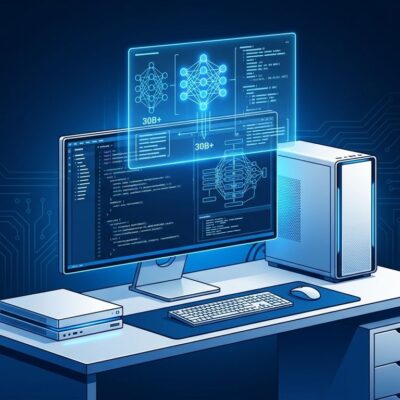
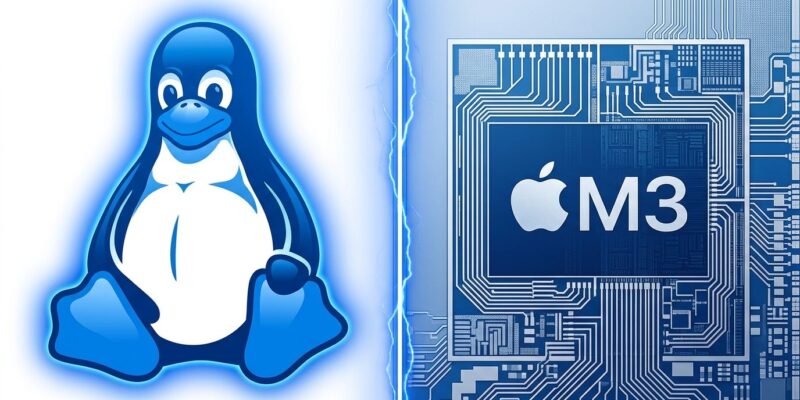
Asahi Linux merged M3 series support into its official installer on September 6, 2026, making native Linux a real option on M3, M3 Pro, and M3 Max MacBooks and iMacs. The team named the release “M2: Episode 1 (or, Asahi Linux on M3)” — a self-aware joke: the GPU driver on M3 hardware currently runs at M2-era capability, and they’re not pretending otherwise. For developers who’ve been holding off on native ARM64 Linux because they have a modern MacBook, the question shifts from “when?” to “is it ready enough for me?”
What Works on Asahi Linux M3
The short answer: the basics are solid. According to the official Asahi Linux announcement, M3 now has working webcam, internal microphones, USB 3.0, hardware-accelerated video decode including AV1, WiFi, Bluetooth, CPU frequency scaling, and thermal management. These are the fundamentals that matter for a development workstation. If your workflow is terminal-heavy — Rust, Go, C++, Node, web dev, cloud tooling — everything you need runs natively today.
However, audio support varies by model, and not all peripherals are equal across the M3 lineup. The official M3 feature support documentation is the authoritative reference — check your specific machine before committing to an install. For context, this level of support puts M3 roughly where M1 was two years ago: functional for serious development, but not yet a complete desktop replacement.
The Three Things That Don’t Work Yet
Three gaps matter more than the rest. First, GPU acceleration is absent in any meaningful sense. The Asahi team is direct about it: “The biggest exception though is the GPU support, which is not yet performant or power efficient for 3D acceleration.” The base M3 GPU driver is a work in progress; the M3 Pro and M3 Max GPU variants have no ETA at all. This rules out graphics-intensive work, ML model training on-device, and any Vulkan or OpenGL development targeting M3-specific performance.
Second, and more practically painful: sleep is broken. Without DCP (Display Controller Peripheral) support, the system cannot suspend when you close the lid — you shut down instead. For a desktop setup, that’s an inconvenience. For a developer using a MacBook as a portable workstation — switching between home, office, and a café — it’s a dealbreaker. Until DCP lands on M3, the daily driver use case for portable work simply isn’t there.
Third: HDMI output is disabled for the same DCP reason. External monitors via HDMI won’t work, and the Mac Studio M3 Ultra is unsupported entirely. Thunderbolt-connected displays may have partial support, but HDMI-specific setups are out for now.
Installing Asahi Linux on M3 Today
M3 support is gated behind the installer’s Expert mode — a signal that this is a functional but not yet polished release. Installation is a single command run in macOS Terminal:
curl -L https://alx.sh/ | EXPERT=1 shAfter installation, run dnf upgrade --refresh to pull the latest packages. The reference distribution is Fedora Asahi Remix, shipping KDE Plasma 6.6. The project aims to drop the Expert mode requirement before the Fedora 45 beta, assuming no major regressions surface. Phoronix has full coverage of the release details. Dual-booting alongside macOS is strongly recommended — don’t wipe your macOS partition yet.
Who Should Install Now — and Who Should Wait
Install it now if you’re doing ARM64 Linux kernel development, cross-compilation testing, or terminal-heavy systems work on a Mac that mostly sits on a desk. Native baremetal Linux on ARM64 hardware at this price-to-performance ratio doesn’t have many competitors, and the VM overhead savings matter for long builds. This is also the right choice if you want to contribute to Asahi — M3 driver work, particularly DCP and the GPU, needs developer attention.
Wait if you use your MacBook as a portable daily driver, depend on HDMI for an external display, or need GPU-accelerated workflows. M1 and M2 Asahi users already have a substantially better experience: full OpenGL 4.6 and Vulkan 1.4 conformance, working sleep, and GPU performance at roughly 60-80% of macOS on gaming workloads. M3 will get there — but not yet.
Worth noting for anyone shopping new hardware: M4 Linux support is a harder problem than M3 was. Apple’s SPTM (Secure Page Table Monitor) runs at a privilege level above the OS kernel on M4, breaking Asahi’s reverse-engineering approach. Lead developer Sven Peter has described M4 as “rather painful” — no ETA, possibly years away. If Linux on bare metal matters to you, M3 is the generation to buy in 2026. Asahi’s kernel work is also heading upstream — Linux 7.3 already includes basic M3 boot support, with full driver patches targeting Linux 7.4+.
Key Takeaways
- Asahi Linux officially supports M3, M3 Pro, and M3 Max Macs as of September 6, 2026 — Expert mode required for install
- Core peripherals work: webcam, USB 3.0, AV1 video decode, WiFi, Bluetooth, and CPU scaling are solid for development workloads
- Three critical gaps remain: GPU acceleration, sleep/suspend, and HDMI output — all blocked by incomplete DCP support
- M1 and M2 are production-ready with Vulkan 1.4, working sleep, and full GPU support; M3 is not yet a portable daily driver replacement
- M4 faces a fundamental architecture barrier with Apple’s SPTM — M3 is the recommended generation for bare-metal Linux development in 2026