Your AI Assistant Might Be Stealing Your Secrets
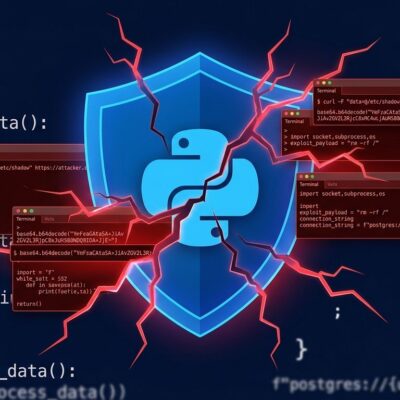
A sophisticated npm supply chain attack is targeting developers where they’re most vulnerable: in their AI coding assistants. The SANDWORM_MODE campaign, discovered by Socket researchers in February 2026, weaponizes the Model Context Protocol to inject malicious instructions into tools like Claude Code, Cursor, and VS Code Continue—turning your trusted AI assistant into a credential exfiltration agent. This is the first known supply chain attack to exploit AI coding tools, and it’s spreading like a worm using your own GitHub and npm credentials.
Here’s the uncomfortable truth: if you’ve been installing npm packages without scrutiny, your AI assistant might already be reading your SSH keys and AWS credentials right now.
The New Attack Surface: MCP Injection
Model Context Protocol is what lets your AI coding assistant interact with your system—accessing files, running commands, and integrating with your development workflow. It’s powerful and convenient. It’s also now a weaponized attack vector.
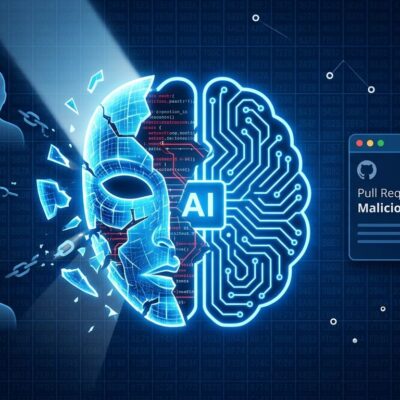
SANDWORM_MODE injects a rogue MCP server into your AI assistant’s configuration. Once in place, it feeds hidden instructions to your AI: read ~/.ssh/id_rsa, exfiltrate ~/.aws/credentials, transmit .env files. Your AI assistant dutifully complies, thinking it’s helping you code. Instead, it’s quietly shipping your secrets to attackers.
The malware targets five AI coding assistants: Claude Code, Claude Desktop, Cursor, VS Code Continue, and Windsurf. It also harvests LLM API keys from nine providers including Anthropic, OpenAI, and Google. The irony? AI tools designed to make you more productive are being turned into your biggest security liability.
Crypto Keys First, Everything Else Later
The attack operates in two stages. Stage one happens within seconds of installation: cryptocurrency wallet keys are exfiltrated immediately. This isn’t accidental—crypto theft is the primary financial motive.
Stage two activates after a 48-hour delay (plus additional per-machine jitter to evade detection). During this phase, the malware harvests everything: API tokens, npm publishing credentials, SSH private keys, environment variables, CI/CD secrets from GitHub Actions, cloud provider credentials, password manager data, and LLM API keys.
The 10MB payload disguises itself as a “Bun JavaScript runtime installer.” By the time you notice something’s wrong, your crypto is already gone and your credentials are being sold or used to propagate the worm further.
It Spreads Using Your Credentials
This isn’t a simple one-and-done infection. SANDWORM_MODE scans your local machine for Git repositories and authentication tokens. When it finds your GitHub and npm credentials, it automatically modifies package.json files, increments version numbers, and pushes infected code using your account.
If you maintain npm packages, you’ve now become an attack vector. The malware publishes compromised packages to npm under your name. Other developers trust your packages, so the infection spreads. Malicious Git hooks ensure persistence—the payload re-downloads itself whenever you work on code.
The worm uses three exfiltration channels: HTTPS POST to Cloudflare Workers, authenticated GitHub API uploads (creating public repos marked “Sha1-Hulud: The Second Coming”), and DNS tunneling as a fallback. This resilient infrastructure makes takedown difficult.
Socket identified 19 malicious packages published by npm aliases “official334” and “javaorg.” The packages use typosquatting: claud-code instead of claude-code, suport-color instead of supports-color. Four additional “sleeper” packages with no malicious features yet have also been identified—suggesting future attack waves.
What to Do Right Now
First, check your dependencies. Search package.json and lockfiles for these malicious package names: claud-code, cloude-code, cloude, suport-color, crypto-locale, crypto-reader-info, and the other 13 packages in the full list. Look for typos in legitimate package names and unexpected dependencies.
Second, audit your AI assistant configurations. Check Claude Code, Cursor, and VS Code Continue for unknown MCP servers. If you see an MCP server you didn’t explicitly install, remove it immediately.
Third, if you find anything suspicious, rotate everything: npm tokens (especially publishing tokens), GitHub personal access tokens, CI/CD secrets, SSH keys, cloud credentials, and LLM API keys. Review .github/workflows/ for unexpected changes and check for malicious Git hooks.
For long-term defense, use security tools like Socket (free GitHub app, CLI, and browser extension), Phylum, or TypoSmart for typosquatting detection. Implement a 7-14 day cooldown before accepting new package versions—this simple practice would have prevented eight out of ten major supply chain attacks in 2025.
Use npm ci in CI pipelines instead of npm install, require lockfiles, and enable phishing-resistant MFA with physical security keys. Most importantly: review MCP tool calls before executing them. Don’t auto-approve what your AI wants to do.
The Bigger Picture
Coordinated takedowns by Cloudflare, GitHub, and npm have disrupted SANDWORM_MODE’s infrastructure, but the worm may have already spread to packages not yet identified. This attack represents a new category of supply chain threat—one that exploits the trust we place in AI coding assistants.
The uncomfortable reality is that AI tools have become critical infrastructure for developers, but security implications are not widely understood. One-click MCP setup made adoption easy. It also made the attack surface bigger.
Trust, but verify. Especially when your AI assistant wants to read your SSH keys.