
 By ByteBot
GitHub dropped its Octoverse 2026 report on the same day VS Code 1.144 shipped — probably not a coincidence. The headline number: AI agents now start over 40% of all GitHub pull requests, up from 17% in March. Microsoft’s message with 1.144 is clear. This release is not about making autocomplete smarter. It is about building the infrastructure those agents run on.
Copilot Fusion Is Now GA
The centerpiece of 1.144 is Copilot Fusion, now generally available. The premise is simple: stop making developers pick a model. Fusion evaluates each task — reasoning load, code generation, debugging complexity, tool use — and routes it to whichever model or combination of models fits best. A simple inline suggestion might use one model. A complex refactor might hit separate models for generation, review, and critique in sequence.
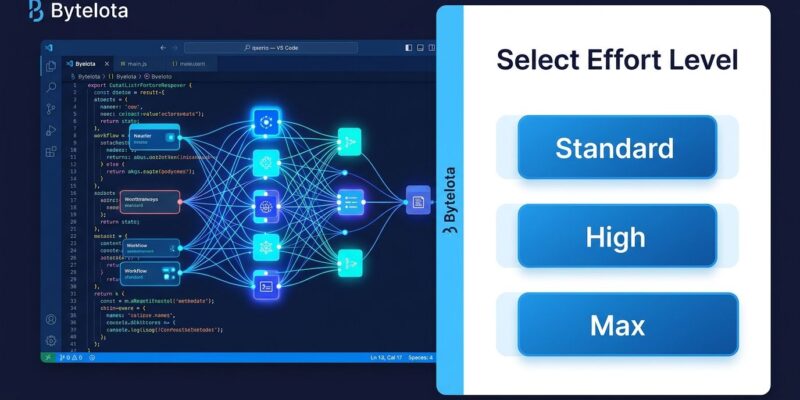
You pick an effort level: Standard, High, or Max. Standard is available on all plans. High and Max require Copilot Pro+, Business, or Enterprise. Billing is per model at standard rates — Fusion itself adds no surcharge — and Microsoft is offering a 30% discount on Fusion usage through November 30. Worth noting: “per model” means complex tasks hitting multiple models in sequence will add up faster than a single-model request. Run a few tasks and check your usage dashboard before assuming it is always cheaper.
Computer Use: Useful, and Worth Scrutinizing
The most eyebrow-raising addition is experimental Computer Use. Enable it with /computer on in Copilot Chat, and Copilot agents can interact with desktop applications on Windows and macOS — outside the editor. Clicking controls, reading content, editing text in apps you have open.
For testing automation and repetitive UI workflows, this is genuinely useful. The security implications are also real. An agent that can click buttons in any desktop application is a meaningful expansion of the attack surface. Microsoft has shipped folder isolation as a generally available control, administrator restrictions, and per-app permission prompts. Those are the right guardrails. The onus is on teams to define which apps agents are allowed to touch. Do not enable Computer Use and forget about it.
Cloud Sessions: Agents That Survive Your Laptop
VS Code 1.144 ships a new Agent Host — a background process that keeps Copilot sessions alive independently of VS Code windows. Close the folder, close the app, switch devices: the session keeps running. You can pick up where you left off in VS Code, the Copilot CLI, the GitHub Copilot app, github.com, or GitHub Mobile.
For developers running long agent tasks — refactors spanning many files, large test generation runs — this removes a consistent pain point. The Agent Host Protocol v1.0 also supports remote machines and Dev Containers, which opens up proper background automation for enterprise workflows.
Image Generation in the Editor
A smaller but practical addition: VS Code 1.144 includes preview support for image generation in Copilot Chat, powered by GPT Image 2.5 Flare. You can generate icons, wireframes, website assets, or image variations without leaving the editor. It is a preview feature, consumes separate AI credits, and can be disabled via chat.copilot.imageGeneration.model: off. Useful for frontend developers who want quick asset generation in context.
The Bigger Picture
Microsoft is not quietly upgrading VS Code. The Octoverse data, the same-day GitHub Universe timing, and the feature set of 1.144 all point in one direction: the editor is becoming the orchestration layer for AI-driven software development. Copilot Fusion is the right move — model selection is cognitive overhead that belongs to infrastructure, not to developers. Cloud sessions make agent-driven workflows actually practical for extended tasks.
The thing to watch is Computer Use. Giving agents the ability to interact with desktop applications is a capability jump that deserves a governance conversation at the team level before it is enabled. The full 1.144 release notes are worth reading. Update, try Fusion on a real task, and check your credit usage after.


