 By
Three days from now, Supabase enforces a breaking change that affects every developer who creates new tables in the public schema. On October 30, 2026, new tables will no longer receive automatic Data API access — no SELECT, INSERT, UPDATE, or DELETE granted to anon, authenticated, or service_role out of the box. Create a table without an explicit GRANT, and the Data API returns 42501: permission denied. You have until Thursday to prepare.
The change does not touch existing tables. Tables already in your project keep their current grants and keep working. This only affects tables created from October 30 onward. If your project was created after May 30, 2026, you are already on the new behavior — this is just the final rollout to older projects.
What Breaks, What Doesn’t
The affected path is the Data API: supabase-js, PostgREST (/rest/v1/), GraphQL (/graphql/v1/), and direct HTTP calls to the Supabase REST endpoint. Any code that expects to read or write a new public table through those interfaces will fail.
What is not affected: direct Postgres connections via psql or connection string, ORMs that connect directly, Supabase Storage, Auth, and Realtime. If your backend connects to the database directly rather than through the REST API, you will not see this error.
The Error and Why RLS Doesn’t Fix It
After October 30, new tables return 42501: permission denied from the Data API. There are two distinct versions of this error, and developers are already confusing them.
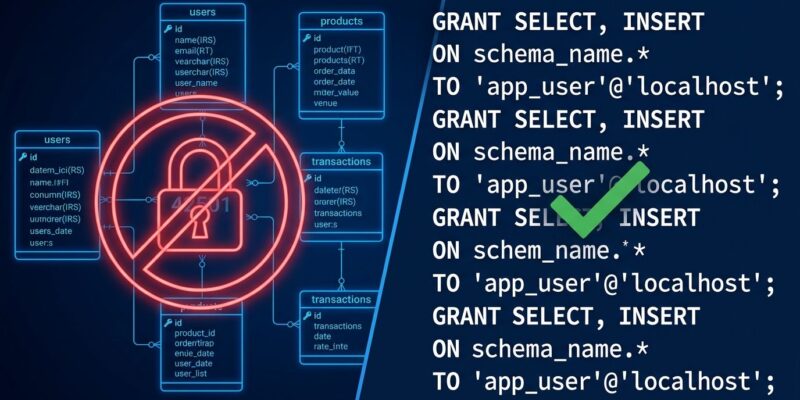
Type 1 — Grant missing: The table has no GRANT to anon or authenticated. The Data API never gets past PostgreSQL’s permission check. RLS never runs. “I have RLS policies” does not fix this. If the grant is absent, your policies are irrelevant — Postgres stops before evaluating them.
Type 2 — Policy missing: Grants exist, RLS is enabled, but no permissive policy allows the operation. This is a different problem with a different fix. After October 30, nearly every fresh 42501 on a new table will be Type 1.
The Fix
Add explicit grants in the same migration that creates the table. Grant only what each role actually needs:
create table public.orders (
  id uuid primary key default gen_random_uuid(),
  user_id uuid references auth.users(id),
  total numeric
);

-- authenticated users can manage their own orders
grant select, insert, update, delete on table public.orders to authenticated;

-- anon only needs read access for public-facing data
-- omit if the table should not be publicly readable
grant select on table public.orders to anon;

-- always enable RLS alongside the grant
alter table public.orders enable row level security;
To audit what is currently exposed in your project, run this in the Supabase SQL Editor:
select
  table_name,
  grantee,
  string_agg(privilege_type, ', ') as privileges
from information_schema.role_table_grants
where table_schema = 'public'
  and grantee in ('anon', 'authenticated', 'service_role')
group by table_name, grantee
order by table_name, grantee;
The Anti-Pattern: Don’t Use GRANT ALL
The instinct when hitting 42501 is to run GRANT ALL ON ALL TABLES IN SCHEMA public TO anon and move on. Don’t. That stops the error but it exposes every table in your schema to unauthenticated users. If you have RLS disabled on any table — or create a new table and forget to enable it — that table is now publicly readable. The fix that stops the error is not the same as the fix that keeps you secure. Target your grants per table, per role, per operation.
AI-Generated Apps Are Especially at Risk
Supabase reports that Claude Code is the largest contributor of new databases on their platform in 2026. AI agents scaffold Supabase projects fast — and they rely on auto-grants, because auto-grants have always been there. A migration generated by Claude Code or Codex today typically looks like: create table, enable RLS, add policies. No GRANT. After October 30, that pattern silently breaks the Data API on every new table. If you are running an AI-scaffolded Supabase project, audit your migrations before Thursday.
Why Supabase Did This
Security researchers found 16,326 Supabase databases with publicly accessible tables — a direct consequence of the auto-grant model. The October 30 change flips the model from “accessible by default, opt out to secure” to “secure by default, opt in to expose.” It is the right call. The official changelog and GitHub discussion #45329 have the full migration timeline. Supabase’s Declarative Schemas 2.0, which shipped October 2, is the recommended long-term approach — your schema code declares every grant explicitly, making a security audit a grep command.
Run the audit query above this week. Add explicit grants to every migration that creates a public table. Enable RLS. This is three days away — worth thirty minutes now to avoid broken API calls in production on Friday morning.