 By ByteBot
Ollama v0.32.0 shipped July 11, and it changed one thing that changes everything: typing ollama with no arguments no longer prints help text. It launches a coding agent. The project that became the de-facto standard for running local models just pivoted from model runner to agent runtime — and if you’re using Ollama for privacy reasons, there’s a configuration gotcha you need to catch before you upgrade.
What Actually Changed
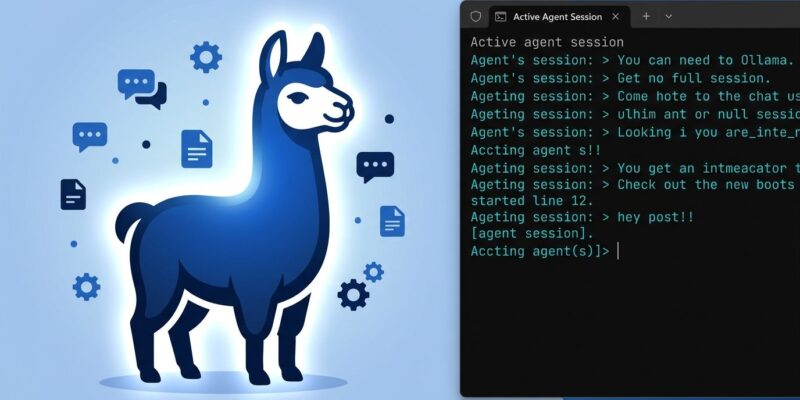
Before v0.32, ollama with no arguments printed the help message and exited. As of July 11, it drops you into an interactive agent session. The agent can read and edit files, run terminal commands, chat across multiple turns, and search the web if you’ve configured it to do so. This is the same behavior you’d expect from OpenAI Codex CLI, DeepSeek Harness, or Claude Code — except it runs against whatever local model you have installed.
The rest of your existing setup is untouched. ollama run qwen3.8:27b works exactly as before. ollama serve is unchanged. Every API-compatible client — Continue, LM Studio, your own scripts — keeps working without modification. The only behavioral change is the bare ollama command itself, which is now an entry point to the agent rather than a help printer.
Two releases dropped within five days. v0.32.0 introduced the agent pivot on July 11; v0.32.1 followed on July 16 with a polish pass: better Gemma 4 tool calling, a fix for a recurring MLX model cache leak on Apple Silicon, improved context-awareness (the agent now receives your current working directory), and clearer authentication prompts when cloud features require sign-in. You can read the full changelogs for v0.32.0 and v0.32.1 on GitHub.
The Privacy Gotcha Nobody’s Talking About
Here’s the part that should make privacy-conscious developers read twice: in v0.32, some models default to routing through Ollama’s cloud infrastructure. This isn’t a bug — Ollama launched paid cloud tiers (Pro at $20/month, Max at $100/month) and the newest, largest models may route cloud-side by default even when your local GPU is capable. These models carry a -cloud suffix in ollama list.
If you’re running Ollama specifically because you want data to stay on your machine — for regulatory reasons, enterprise policy, or plain preference — verify your setup before upgrading:
# Check for cloud models in your current setup
ollama list
# Any model with -cloud suffix routes remotely

# Verify only local connections are active
sudo lsof -i -P | grep ollama
# Should only show 127.0.0.1:11434 for local-only usage
An open issue in the OpenClaw project documented the exact failure mode: subagents missing Ollama credentials silently fall back to cloud models, leaking data off-device with no visible warning. Ollama’s default config still binds to localhost, so the raw API isn’t exposed to the internet — but cloud routing for specific models is a separate risk that the upgrade notes don’t prominently flag.
The Skills System: MCP Without the Server
The extensibility story in v0.32 is the Skills system. Skills are Markdown files you drop into a ./skills/ directory alongside your project. On startup, the agent scans the folder, reads each file’s header, and injects a summary into the system prompt. When you invoke a skill by name, the agent reads the full file content into context and executes the procedure.
Think of it as a lightweight, offline alternative to MCP (Model Context Protocol). No server to run, no configuration file to manage — just a folder of Markdown files describing what the agent can do. Write a deploy.md skill that documents your deployment runbook, a db-query.md skill that encapsulates your database patterns, or let the agent generate skills for you using the built-in skill_creator command.
The security caveat is worth stating clearly: skills can execute arbitrary code. The agent has real access to your filesystem. Don’t run it as root, keep your ./skills/ folder clean, and don’t load skills from untrusted sources — the same principle as not running random shell scripts from the internet.
Deprecated Models Worth Knowing About
v0.32 adds deprecation warnings before launching older agent models: CodeLlama, Qwen2.5-coder, Llama 3.x, Mistral, StarCoder, and base DeepSeek-R1 tags. If your agent workflows rely on any of these, you’ll see the warning on launch. The upgrade path is clear — Qwen3.8, DeepSeek-V4, and Gemma 4 are the current recommendations for agent tasks. ByteIota covered how Ollama 0.31 made Gemma 4 run 90% faster on Apple Silicon — those performance gains carry forward here.
The Bottom Line
Ollama v0.32 is a meaningful release — not just an incremental update. The project moved from ‘tool that runs models’ to ‘local agent runtime,’ putting it in direct competition with Claude Code and DeepSeek Harness for developers who want a coding agent they fully control. The Skills system gives you extensibility without cloud dependencies. Support for Qwen3.8-27B, Gemma 4, and DeepSeek-V4 means the quality gap between local and cloud agents keeps shrinking.
But the cloud routing defaults deserve more prominent disclosure than they got. If you’ve been running Ollama as a privacy guarantee, run the verification steps above before upgrading. The agent mode is worth having — just make sure you know which models are actually staying local.