 By ByteBot
GitHub shipped a significant update on May 13: an API that lets you fire Copilot’s cloud coding agent from any script, portal, or pipeline. No web UI, no issue assignment. Send a POST request with a prompt, and Copilot opens a pull request when it is done. For teams on Copilot Business or Enterprise, this changes how the tool fits into your workflow — from chat assistant to automatable infrastructure.
What the Agent Tasks API Does
The new endpoint is straightforward. One required parameter, three optional ones:
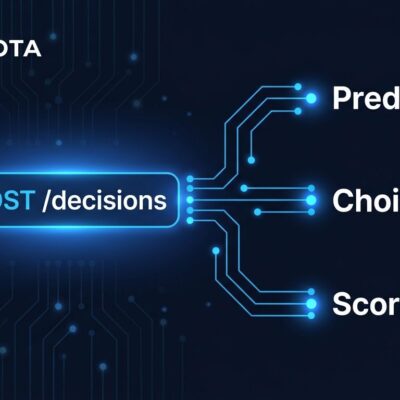
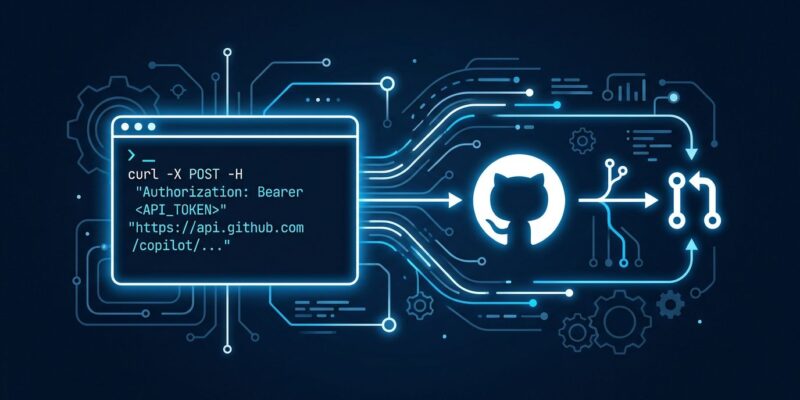
POST /agents/repos/{owner}/{repo}/tasksThe prompt field is all you need to get started. Optionally, set base_ref to control which branch Copilot works from, pass a model to select the AI model, and set create_pull_request: true to have the agent open a PR automatically. A working example:
curl -X POST \
  -H "Accept: application/vnd.github+json" \
  -H "X-GitHub-Api-Version: 2022-11-28" \
  -H "Authorization: Bearer $GH_TOKEN" \
  https://api.github.com/agents/repos/YOUR-ORG/YOUR-REPO/tasks \
  -d '{
    "prompt": "Migrate all fetch() calls to use the new ApiClient wrapper in src/api/client.ts",
    "base_ref": "main",
    "model": "auto",
    "create_pull_request": true
  }'
Once triggered, the agent spins up in a GitHub Actions environment, reviews the repository context, makes code changes, and opens a PR. You can poll task status through the same API — states include queued, in_progress, completed, and terminal states like failed, timed_out, and waiting_for_user. That last state matters: the agent can pause and ask for clarification mid-task rather than silently producing incorrect output. See the full REST API reference for the complete response schema.
Three Workflows Worth Building Now
GitHub listed three canonical use cases in the May 13 announcement. Each represents the same shift: Copilot as a service you invoke, not a UI you click through.
Fan Out Refactors Across Repos
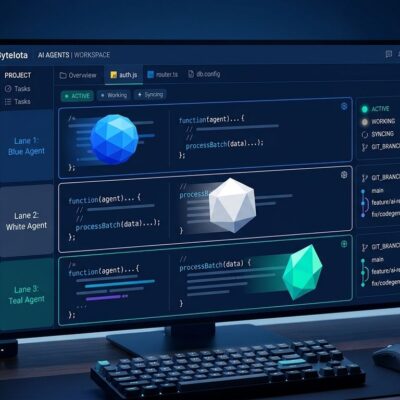
Write a script that iterates over your organization’s repositories and fires the task API with the same migration prompt on each. Copilot works through them in parallel, opening individual PRs per repo. What used to take a developer days of repetitive work — touching 30 repositories for an API client migration — becomes a script and a morning of PR reviews. The agent runs entirely on GitHub’s infrastructure, not your local machine.
Internal Developer Portals
If your team uses Backstage, Port, or a custom internal portal for provisioning services, you can wire the task API into the “create new repo” flow. A single call can instruct Copilot to add CI configuration, set up CODEOWNERS, and initialize the README with project documentation — all triggered by a human clicking one button in your portal. Port already has a documented integration guide. The pattern generalizes to any workflow where a human action should trigger automated code changes.
Automated Release Preparation
A weekly cron job sends Copilot the prompt: “Generate release notes and bump the version to the next semver.” Copilot opens a PR. A human reviews and merges. The routine work disappears; the human judgment stays. This is the clearest example of what GitHub means by treating Copilot as infrastructure: the agent handles the mechanical parts of software delivery, and your team stays focused on decisions that require context.
Authentication: Personal Tokens Only — for Now
The Agent Tasks API supports personal access tokens (classic and fine-grained), OAuth tokens, and GitHub App user-to-server tokens. It does not yet support GitHub App installation tokens — the kind used by headless service accounts. This is intentional: GitHub is keeping a human credential in the auth chain while the security model matures.
For fine-grained PATs, go to Account permissions and set Copilot Requests to Read. GitHub App installation token support and access for Copilot Pro and Pro+ users are on the roadmap. If you are planning automations that eventually need to run without a human token in the loop, build the logic now and swap the auth method when server-to-server support ships. The official setup guide covers the exact permission scopes required.
Model Selection as a Cost Control
On May 18, GitHub added Claude Haiku 4.5 and GPT-5.4-mini to the supported model list for cloud agent tasks, both at a 0.33x usage multiplier. At scale, the model parameter is a meaningful cost lever. Use economy models for high-volume, lower-complexity tasks: dependency bumps, release notes, documentation updates, boilerplate initialization. Reserve full models for complex refactors that need deeper reasoning. At a 3x cost difference, this distinction adds up quickly when you are firing the API across dozens of repositories. See the May 18 model update for the full list of options and their multipliers.
Audit the Agent’s Surface Area
Also released May 18: a GET endpoint that returns a repository’s full Copilot cloud agent configuration — MCP server setup, enabled tools, Actions workflow policy, and firewall rules. For security and platform teams managing Copilot across many repositories, this is a key audit primitive. You can write a script that checks every repository’s agent configuration against your organization’s policy and flags deviations automatically. Check the audit API changelog for the full response schema.
What to Do Right Now
If you are on Copilot Business or Enterprise, start with these four steps:
- Generate a fine-grained PAT with Copilot Requests = Read under Account permissions.
- Send a test POST request to a low-stakes repository with a simple prompt.
- Review the task status response to understand the agent lifecycle.
- Pick one of the three workflows above and build a proof-of-concept script this week.
The API is in public preview, so breaking changes are possible — but the surface area is minimal enough that migration costs will be low. The teams that build automation around this now will have months of operational experience before the feature stabilizes into general availability.