 By ByteBot
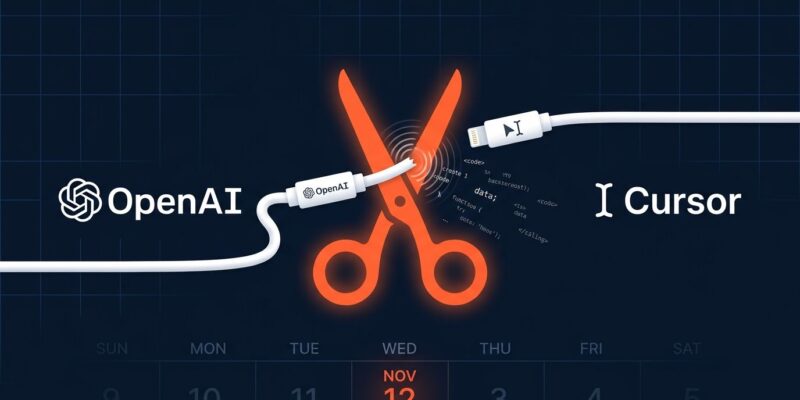
OpenAI has formally notified Cursor that it will end model access on November 12, 2026. The trigger: SpaceX’s $60 billion acquisition of Anysphere, Cursor’s parent company, which closed on August 14 and activated a change-of-control clause in their contract. OpenAI’s statement left no ambiguity — it said it “cannot be confident that SpaceX will use our technology within our terms of service, based on our experience with Elon Musk’s companies violating contracts.” If you use OpenAI models inside Cursor, you have less than two months to sort out your workflow.
What Breaks on November 12
This is not a soft deprecation. When the cutoff hits, several native Cursor features stop functioning for OpenAI models entirely:
- Cursor Tab — the speculative autocompletion most developers rely on as muscle memory
- Auto routing — automatic model selection based on task type
- Cloud and Background Agents — async tasks running on Cursor’s infrastructure
- Automations — scheduled and event-triggered workflows
- Cursor CLI and SDK — any integrations your team built on top of Cursor’s API layer
Cursor does let you add your own OpenAI API key in settings, but that only covers local Chat and manual Agent sessions. Cursor Tab, auto-routing, cloud agents, and CLI tooling are off the table regardless of how you authenticate. Bringing your own key is a partial workaround, not a replacement.
Most Cursor Users Are Already Fine
Here’s what defuses most of the panic: OpenAI models account for roughly 5% of Cursor’s AI traffic. The other 95% runs on Claude, Gemini, and Cursor’s own Composer model — none of which are affected. If you’ve been running Claude Sonnet 4.6 or Gemini 3.5 Flash for your completions and agents, nothing changes for you on November 12.
The developers who need to act are those who deliberately chose OpenAI models — GPT-4o for certain reasoning tasks, o3 for code review — or who built integrations against Cursor’s SDK and CLI that route through OpenAI. Enterprise teams with Cursor API integrations have the highest exposure. If you’re not sure which models your team uses, now is the right time to check your Cursor settings and usage logs.
Your Three Options
Option 1: Bring your own OpenAI API key. Add your key to Cursor Settings and OpenAI chat and agent sessions continue to work. You’ll be billed directly through your OpenAI account. The hard limit: Tab completion and cloud features stay broken. This works if you mostly use Chat — not if Tab is central to your flow.
Option 2: Install OpenAI’s Codex IDE extension inside Cursor. Since Cursor is VS Code-based, you can run the Codex extension directly. It’s functional but exists as a separate layer from Cursor’s native AI panel, which makes for a clunky experience. Treat this as a bridge, not a destination.
Option 3: Switch to Claude or Gemini natively in Cursor. This is what the other 95% of Cursor users are already doing. Claude Sonnet 4.6 handles multi-file edits and code review well. Gemini 3.5 Flash is fast and price-competitive. If you’ve been defaulting to OpenAI out of habit, test a Claude session — most developers find the transition smoother than expected.
The Harder Question This Raises
Cursor’s pitch was model-agnosticity — pick your model, use the best tool for the job. What the SpaceX acquisition revealed is that the routing layer itself was never neutral. Cursor’s contract with OpenAI sat between you and the model, and when that contract collapsed, so did a chunk of functionality. OpenAI’s official statement makes clear this is permanent — they will not provide future models to Cursor as the agreement winds down.
This is the structural risk every developer should audit in their AI toolchain. Any tool that intermediates your model access through a proprietary agreement is a single point of failure. Tools worth looking at if you want to eliminate that risk: Void, an open-source VS Code fork with support for any model and no routing contract; Claude Code, which runs terminal-side without IDE vendor dependency; and Windsurf, Cursor’s closest feature-equivalent competitor. None of them own the contract between you and your model provider.
What to Do Right Now
Open your Cursor settings and check the default model. If it’s OpenAI, decide before November 12 which of the three options fits your workflow. If you have SDK or CLI integrations, start an audit this week — those integrations need rework regardless of which path you choose. And if this caught you off guard, let it be the prompt to document which AI providers each tool in your stack depends on. The next forced migration will come from somewhere.