 By ByteBot
At some point, every developer running Docker has been in this situation: a container crashed overnight, you SSH into the server, and you’re running docker logs -f container_name, scrolling through output, trying to find the line that explains everything. Dozzle helps if you remembered to set it up. Portainer’s log view is passable. And standing up ELK or Loki just to tail a few containers is overkill by any reasonable measure.
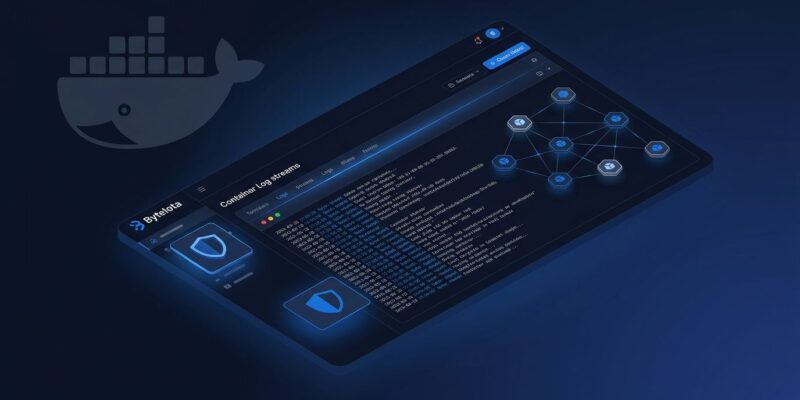
DockLog is a free, open-source, self-hosted dashboard that fills the gap between “just tail logs” and “deploy a full observability stack.” It ships as a single Docker container, uses SQLite for auth and audit data, and streams logs over WebSockets in real time. At roughly 30 MB of RAM, it’s not pretending to be Grafana — and that’s exactly the point.
One-Minute Deploy
The setup is intentionally minimal. Mount the Docker socket, expose a port, and you’re done:
docker run -d \
  --name docklog \
  -p 8888:8000 \
  -v /var/run/docker.sock:/var/run/docker.sock \
  aimldev/docklog:latest
Open http://localhost:8888. No config files, no external database, no separate auth service. DockLog generates an admin password on first run and stores everything in an embedded SQLite file. A deployment builder on docklog.dev lets you customize Docker Compose options visually and copy the result.
The RBAC Gap That DockLog Fills
Here’s the uncomfortable truth about the Docker dashboard space: the two most popular tools both have significant blind spots.
Dozzle is excellent for what it is — fast, zero-dependency, live logs across all your containers — but it ships with no meaningful authentication. You can enable basic auth, but there’s no user management, no per-container access control, and no audit trail. All-or-nothing access isn’t a team feature.
Portainer CE has robust container management: Compose stacks, web terminals, image management. But team RBAC is a Business Edition feature. If you want to give a junior engineer read-only access to production logs without handing them full admin, you’re paying for it.
DockLog ships production-ready access control for free. Every user gets scoped permissions — view logs, start/stop containers, delete — and container-level rules use wildcards and regex. An engineer can have read-only access to prod-* containers and nothing else. The controls are enforced at the API and WebSocket level, not just the UI, so bypassing them via direct API calls doesn’t work.
| Feature | Dozzle | Portainer CE | DockLog |
|---|---|---|---|
| Live log streaming | Yes | Basic | Yes |
| Authentication | Basic | Yes | Yes |
| Team RBAC | No | Paid only | Free |
| Container management | Basic | Full | Core |
| Alerting / webhooks | No | No | Yes |
| RAM footprint | ~10 MB | ~100 MB | ~30 MB |
Kubernetes Without the Extra Tooling
DockLog isn’t Docker-only. Set RUNTIME_MODE=kubernetes or RUNTIME_MODE=both, mount your kubeconfig, and it shows pod logs alongside container logs in the same interface. Namespace filtering narrows the view to what you care about. For in-cluster deployments, it detects the ServiceAccount automatically.
One useful detail: DockLog handles the Docker Desktop kubeconfig quirk automatically — where 127.0.0.1 points to the local API server — by rewriting the address to host.docker.internal. This is the kind of small fix that saves a frustrating debugging session.
Alerts Without Adding Grafana
Log pattern matching and container event alerts route to Slack, Teams, Discord, or any HTTPS webhook. You define regex patterns against log output, set CPU or memory thresholds, and configure per-channel cooldowns to prevent alert flooding. Container crash events and Docker daemon events are built-in alert types.
This is what most clearly separates DockLog from both Dozzle and Portainer CE. Neither offers alerting without adding a separate stack. DockLog configures it from Admin → Notifications in under five minutes.
Desktop and Mobile Apps
The v1.0.0 release includes desktop clients for Linux (.deb and AppImage) and Windows, plus an Android app on Google Play. Multi-server management works from the same app — add your homelab, staging, and production instances and switch between them. For platform engineers who want phone-based awareness of container events without setting up Grafana OnCall, this is the straightforward answer.
Who Should Use DockLog
DockLog is the right choice if you’re running one to twenty Docker hosts and want team access control without buying Portainer Business, or if you need container crash alerts without deploying Grafana. Homelab operators tired of SSH-ing in to tail logs will find it fits naturally.
It’s not the right choice if you need Compose stack management — Portainer or Dockge handle that better. And if you need log retention and indexing for compliance, you need Loki or ELK. DockLog streams from Docker’s existing storage and doesn’t add its own log storage layer.
The DockLog repository is MIT-licensed and available on Docker Hub as aimldev/docklog.