 By ByteBot
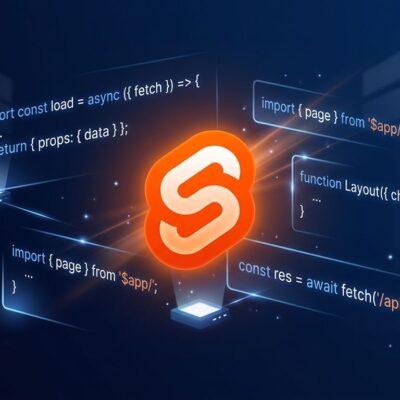
The June 2026 Svelte update looks like a routine version bump. It is not. TypeScript 6 is now the standard across Svelte’s entire toolchain — and it shipped with a peerDependency change that silently breaks setups using a custom language server path. Here is what changed, who is affected, and what to run right now.
TypeScript 6 Lands Across the Toolchain
Five packages updated in sync to support TypeScript 6:
- svelte-language-server@0.18.0
- svelte2tsx@0.7.55
- svelte-check@4.4.8
- svelte-preprocess@6.0.4
- SvelteKit@2.21.x
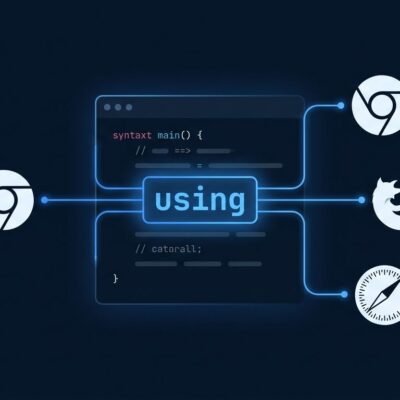
The upgrade is well-motivated. TypeScript 6 delivers 40–60% faster incremental builds, more precise inference on private class fields, and the using keyword for automatic resource management. Keeping Svelte tools locked to TypeScript 5 would wall off those improvements for the entire Svelte ecosystem.
The full details are in the official June 2026 changelog. The actual migration surface is narrower than it looks.
The Breaking Change: TypeScript Is Now a peerDependency
TypeScript moved from a bundled dependency to a peerDependency in svelte-language-server@0.18.0. For most developers — those using the official Svelte VS Code extension — this is invisible. The extension handles TypeScript installation automatically.
The break hits one specific setup: projects using the svelte.language-server.ls-path VS Code setting to point at a custom language server binary. If your settings.json includes this:
{
  "svelte.language-server.ls-path": "/path/to/custom/server"
}
Your language server will fail to find TypeScript after the update. The fix is one command:
npm install --save-dev typescriptRun it in your project root. TypeScript needs to be present locally so the language server can resolve it. If you do not use a custom path, move on.
This is the right call for the ecosystem. Bundling TypeScript locked the language server one version behind. Moving to a peerDependency gives teams control over which TypeScript version they run. The downside is a one-time fix for a narrow setup. That trade-off is worth it.
New in svelte@5.56.0: Inline Declaration Tags
Alongside the toolchain update, Svelte 5.56 ships declaration tags — a cleaner replacement for the {@const} syntax that has been the standard way to declare local variables in Svelte templates.
The old approach:
{#each products as product}
  {@const label = product.name.toUpperCase()}
  <li>{label}</li>
{/each}
The new approach:
{#each products as product}
  {const label = product.name.toUpperCase()}
  <li>{label}</li>
{/each}
{let ...} is also available for mutable declarations. The {@const} syntax still works — Svelte will not break existing code — but it is now documented as legacy. New projects should prefer declaration tags.
Two More Updates in This Release
Svelte MCP Stdio: Fewer Round Trips in AI Workflows
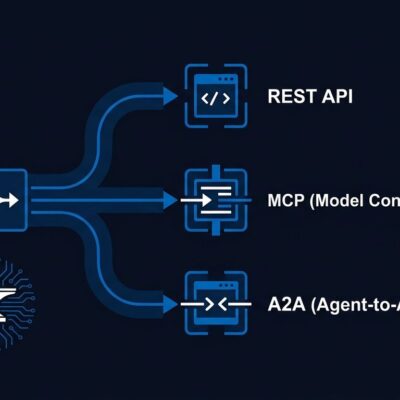
The mcp@0.1.23 update lets Svelte’s MCP server read .svelte file content directly in stdio mode, instead of asking Claude Code or Codex to paste it into context. For large components, this meaningfully reduces token overhead in AI-assisted development sessions.
vite-plugin-svelte 7.1.0: Optimizer Runs in Server Dev
The Rolldown-based optimizer now runs for server environments during development, improving SSR dev-server startup times. One migration note: optimizeDeps.esbuildOptions is deprecated. If your Vite config sets it, switch to optimizeDeps.rolldownOptions.
Upgrade Checklist
- Update core packages:
npm install svelte@latest svelte-check@latest svelte-preprocess@latest - If using
svelte.language-server.ls-pathin VS Code: runnpm install --save-dev typescript - New code: use
{const ...}and{let ...}declaration tags instead of{@const} - If you configure vite-plugin-svelte: migrate
esbuildOptionstorolldownOptionsunderoptimizeDeps - If you use Svelte MCP with AI agents: update to
mcp@0.1.23or later
The TypeScript 6 transition is the real story here. Svelte’s toolchain is now on the same compiler as the rest of the modern JS ecosystem. The peerDependency change is a one-time fix. Do it once, and the whole toolchain runs faster.