
 By ByteBot
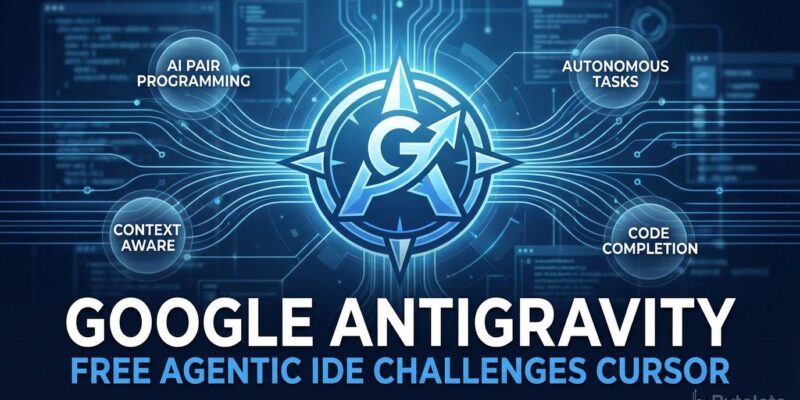
Google just dropped Antigravity, a free agentic IDE powered by Gemini 3 Pro, directly challenging Cursor’s $20-per-month dominance. Launched in public preview November 18, the platform offers unlimited completions and generous Gemini 3 Pro rate limits at zero cost for Windows, macOS, and Linux. The move comes after Google’s $2.4 billion acquisition of the Windsurf team in July, signaling serious intent to compete in the AI IDE market. Antigravity promises Level 4 autonomous agents that control your editor, terminal, and browser independently. But there’s a catch: frequent crashes and server overload make it unsuitable for production work.
Autonomous Agents vs Copilot Suggestions
What separates Antigravity from Cursor and GitHub Copilot is its agentic approach. While Cursor operates as an intelligent copilot suggesting completions you accept or reject, Antigravity’s agents work autonomously. They write code, execute terminal commands, test in browsers, and verify their work without constant human intervention. Google calls this “Level 4 Agentic Orchestration,” one step beyond Cursor’s “Level 3 Deep Context & Flow.”
The platform introduces a dual interface: a traditional VS Code-style editor and an agent manager dashboard for coordinating multiple autonomous processes in parallel. As agents complete tasks, Antigravity generates “artifacts”—screenshots, recordings, and implementation plans—that let you verify progress without raw logs.
Performance ratings tell a nuanced story. Antigravity scores 4.4 out of 5 for autonomous agent capabilities. Impressive, except Cursor scores 4.7 out of 5 for speed and multi-file refactors, and GitHub Copilot hits 4.3 out of 5 for stable workflows. Developers still value reliability over autonomy.
Free Access Disrupts $10-$20/Month Market
Google making Antigravity free isn’t generosity—it’s admission they’re behind. Microsoft made Copilot cheap to dominate. Google needs free to compete.
The free tier includes unlimited tab completions, unlimited command requests, generous Gemini 3 Pro rate limits, and access to the Agent Manager and Browser integration. Paid tools charge $20 monthly for Cursor, $10 for GitHub Copilot, and $15 for Windsurf. Antigravity undercuts them all. Developers posted reactions like “Built Twitter clone + finance tracker in minutes for free” and “Gemini 3 Pro generated 3000 lines in 3 minutes.”
The platform supports Anthropic’s Claude Sonnet 4.5 and OpenAI’s GPT models, giving developers multi-model flexibility at no cost. For budget-conscious solo developers, this represents significant value. For Google, it’s a strategic gamble: scale fast with free access, then monetize enterprise features—or risk burning cash on an unsustainable model.
The $2.4 Billion Windsurf Bet
In July, Google hired Windsurf CEO Varun Mohan, co-founder Douglas Chen, and approximately 40 top researchers in a $2.4 billion deal—$1.2 billion in compensation packages and $1.2 billion in licensing fees for nonexclusive rights to Windsurf’s technology. The acquisition came after OpenAI’s failed $3 billion bid, which Microsoft blocked.
When you pay $2.4 billion for a startup’s team after they rejected OpenAI, you’re not innovating—you’re panic-buying expertise you should already have. Community feedback noted that Antigravity “looks similar to Windsurf”, confirming Google bought the talent to build what they couldn’t develop internally.
Reality Check: Stability Issues
Public preview is code for “we shipped before it was ready.” Cursor works. Copilot works. Antigravity crashes.
Early adopters report frequent errors like “Agent taking unexpectedly long to load” or “Agent terminated due to error.” Reddit users describe crashes, app unresponsiveness, and server overload. One developer review concluded: “Struggles with complex tasks, requires multiple iterations. Frequent errors, not production-ready.”
Sentiment analysis from Twitter during launch week showed 70 percent positive reactions and 30 percent negative. Privacy concerns emerged about forced Google account login and whether code is sent to Google servers for training. Despite “generous” rate limit claims, some users report hitting limits during peak times.
When to Use Antigravity
Right now, Antigravity is for tinkerers, not professionals. If you’re building production software, stick with Cursor or Copilot. If you’re experimenting and don’t mind crashes, Antigravity’s free access is worth trying.
Use Antigravity for prototyping, learning agentic development patterns, and budget-conscious solo projects where stability isn’t critical. Avoid it for production-critical work, enterprise teams, and privacy-sensitive codebases.
If Google fixes stability issues in Q1 2026, Antigravity could dominate the free-tier market. If not, it joins the graveyard of Google products launched too early: Stadia, Allo, Wave. The technology is promising—autonomous agents represent the future of development tools. But potential doesn’t ship products. Stability does.
For developers curious about agentic development, download Antigravity for macOS, Windows, or Linux and experiment with the free tier. Just don’t bet your production codebase on it yet.


