 By
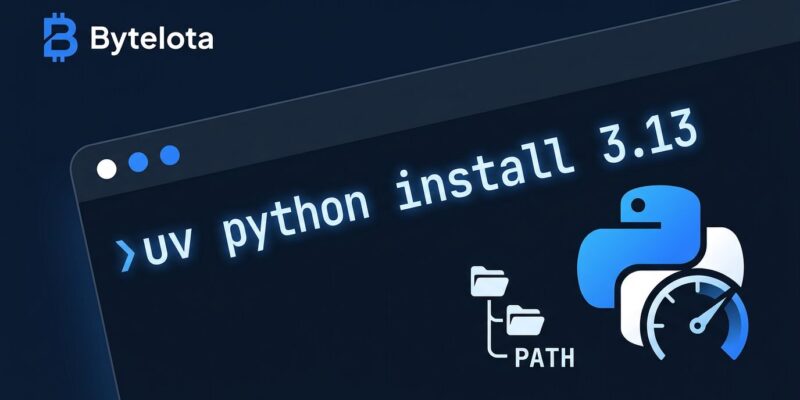
By Python’s “how do I make this actually work on my machine?” problem has a new answer. uv 0.8 ships automatic PATH installation for managed Python versions — run uv python install 3.13 and python3.13 shows up in your shell immediately, no export statements, no manual PATH editing, no shell-restart ceremony. It sounds like a minor quality-of-life fix. It is, in fact, the last major reason to hesitate before fully committing to uv.
What Changed in uv 0.8
Before this release, uv managed Python installations in its own internal store. You could use those versions through uv run or by activating a project’s virtual environment, but they didn’t land on your system PATH. That distinction confused new users and created a two-tier mental model: “uv Python” versus “real Python.” In 0.8, that distinction disappears.
When you run uv python install, uv now places a versioned executable in ~/.local/bin — or whatever directory matches XDG_BIN_HOME on your system. The behavior is configurable via UV_PYTHON_BIN_DIR and opt-out-able with --no-bin if you have strong opinions about PATH hygiene. For everyone else, Python just works after install.
uv python install 3.13
python3.13 --version  # Python 3.13.x — no extra steps
Windows Finally Gets a Real Fix
Windows Python setup has always been its own category of painful. uv 0.8 addresses this directly: installed Python versions are now registered in the Windows Registry following PEP 514, which means the py launcher — the standard Windows Python dispatcher — can discover and use uv-managed versions automatically. If you’ve ever watched a developer spend 45 minutes on Windows debugging why python and python3 point to different things, this is the fix.
Other Changes Worth Knowing
The PATH feature is the headliner, but 0.8 ships other improvements that matter in practice:
- uv build backend is now the default. New projects created with
uv init --packageuse uv’s own build backend instead of Hatchling. One fewer external tool in your dependency chain, one fewer thing to configure in CI. - Safer virtual environments.
uv venvnow prompts before removing an existing environment. Clobbering a venv by accident and not noticing until tests fail is a real workflow killer — this addresses it. - Better Docker defaults. uv sets sensible
UV_TOOL_BIN_DIRvalues in Docker images, making tool installation inside containers more predictable without manual environment variable wrangling. - Linux platform target updated.
--python-platform linuxnow targetsmanylinux_2_28, reflecting the baseline for modern distributions.
Where uv Stands in 2026
uv now pulls 126 million downloads per month on PyPI, surpassing Poetry’s roughly 75 million. It’s the default tool recommendation in Python’s official ecosystem guides and in the READMEs of FastAPI, Apache Airflow, SciPy, and a growing list of major frameworks. In the 2025 Stack Overflow Developer Survey it rated as the most admired technology at 74% — across all categories, not just Python tooling.
OpenAI acquired Astral — uv’s creator — in March 2026 to deepen integration with the Codex platform. The tools remain MIT-licensed and open source; founder Charlie Marsh confirmed the team is staying together and the tools are “very forkable” if the community ever needs recourse. The acquisition does shift the long-term roadmap toward AI agent workflow integration: uv managing Python environments inside Codex and Claude Code is clearly the direction.
How to Migrate From pip and pyenv
If you’re still on pip and pyenv, the migration path has never been lower-friction. Start with the drop-in replacement; move to the full workflow on your next new project:
# Step 1: install uv
curl -LsSf https://astral.sh/uv/install.sh | sh

# Step 2: use it as a pip replacement immediately
uv pip install -r requirements.txt

# Step 3: on your next project, use the full workflow
uv init myproject && cd myproject
uv add fastapi
uv run python main.py
For CI, replace your install step with the following and expect a meaningfully faster pipeline — teams consistently report 40% reductions in CI install time after switching:
- uses: astral-sh/setup-uv@v6
  with:
    enable-caching: true
- run: uv sync --frozen
- run: uv run pytest
uv reads existing .python-version files created by pyenv without modification, so if you’re on pyenv now, switching doesn’t require touching your project configuration. The official uv docs cover the full migration path, including Poetry and pipenv scenarios.
The Verdict
The automatic PATH installation in uv 0.8 closes the last major gap between uv’s developer experience and what people intuitively expect: install something, use it. The tool now behaves the way Homebrew does. If you’ve been holding off because uv’s Python version management felt like a second parallel workflow on top of your existing one, that reason is gone. The full release notes are on GitHub. The migration cost is a curl command and one afternoon.