 By
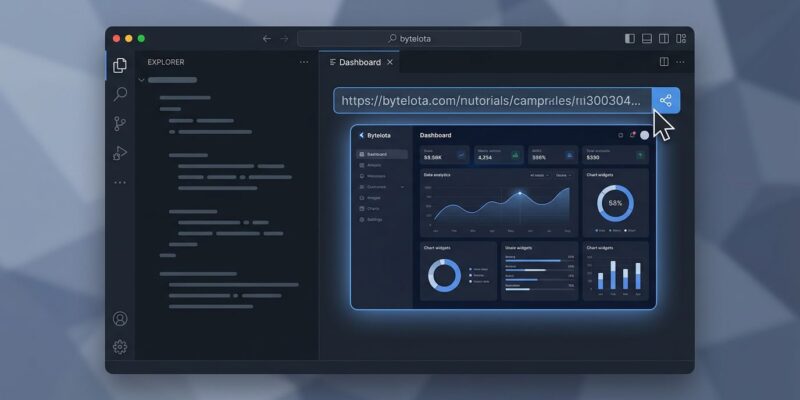
By Cursor 3.7 shipped June 4 with a quiet but significant change: Design Mode now works inside canvases, and combined with Shared Canvases (released May 20), agent output can finally travel outside the IDE. You publish a canvas, share a URL, and anyone on your team opens an interactive dashboard in their browser — no Cursor account, no install, no “here’s a screenshot of what the agent built.” That loop is now closed.
What Canvases Actually Are
When Cursor’s agent finishes a task, it has two options: output text, or render a canvas. A canvas is a persistent, interactive React interface — tables, charts, diff views, diagrams, to-do lists — built from Cursor’s first-party component library and rendered directly in the Agents Window alongside your terminal and browser. It is not a markdown export dressed up with styling. It is a live UI artifact that the agent assembles from components, and it stays open after the conversation ends.
This distinction matters. Chat output is ephemeral. A canvas is a deliverable.
Three Releases in Seven Weeks
Cursor has been deliberately building toward this. Canvases launched with Cursor 3.1 on April 16 — agents could generate interactive interfaces, but they stayed inside your IDE. Shared Canvases arrived May 20 — you could now publish and share a URL. Cursor 3.7 on June 4 added Design Mode to canvases — you can select UI elements in the canvas, annotate them, and the agent revises the interface directly, without rewriting your prompt from scratch.
That arc — build, share, iterate — is a product strategy, not a feature dump. Cursor is turning agent output into something that behaves like a document.
Shared Canvases: How It Works
After an agent generates a canvas, click Publish in the canvas toolbar. Cursor uploads a live snapshot and returns a URL. Recipients click the link, the canvas opens in their browser — same layout, charts, and tables — read-only. No Cursor install required. You can browse and manage everything your team has published from the Shared Canvases section of the Cursor Dashboard, and team admins can disable the feature org-wide if needed.
Two requirements to know before you try:
- Plan: Canvas generation requires Pro ($20/month) or higher. Sharing requires a team seat — Pro users enrolled in a team can share, but Hobby cannot.
- Privacy mode: If your organization runs Legacy Privacy Mode, publishing is blocked. Standard Privacy Mode is fine.
Design Mode in Canvases
Before 3.7, editing a canvas meant writing a new prompt describing the UI change. “Move the error rate chart above the table. Make the header bold.” The agent would interpret, sometimes correctly. Design Mode replaces that with direct manipulation: click an element in the canvas, annotate it, and the agent fixes it.
Two additions in 3.7 make this faster. Multi-element select lets you click multiple canvas components simultaneously — useful when you want two sections to match in style, or want to remove a group of redundant panels at once. The persistent voice mic stays active while the agent runs, so you can queue the next change by voice without waiting for the current one to finish.
Where Canvases Actually Help
The use cases with the clearest payoff are the ones where information volume is high and flat text output fails you.
Incident response. Cursor’s own ML team runs this during model deployment rollouts: the agent ingests Datadog, Sentry, and Databricks data, categorizes failure causes, and renders an interactive multi-panel canvas — one chart per data source. Previously, that same agent delivered a markdown table you squinted at during an active incident. The canvas version gets shared with the team lead as a URL, updated on re-run, and closed when the incident is resolved.
PR review. Ask the agent to summarize a pull request, and it can generate a canvas that groups changes by risk level, renders pseudocode for complex logic, and flags functions with no test coverage. A better artifact to paste into a review comment than a wall of text.
Architecture documentation. “Map this codebase” now produces an interactive architecture diagram, not a paragraph of prose. Useful for onboarding, and useful for an on-call engineer who has never touched the service they are debugging at midnight.
Context Usage Report
One other canvas type landed in 3.7: the Context Usage Report. Ask Cursor to show your agent’s context usage and it builds a canvas breaking down token spend across system prompt, tool definitions, rules, and skills. Most developers have no idea which rule files or MCP tool definitions are consuming the most tokens. The canvas documentation covers how to trigger it. This makes token spend visible, which is the first step to optimizing it.
The Competitive Reality
Canvases are Cursor-specific. Claude Code, OpenCode, and GitHub Copilot still produce text and code as their primary output. Antigravity 2.0 has visual capabilities, but shared, publishable canvas artifacts do not exist in any competing tool as of June 2026. LogRocket’s June 2026 AI dev tool rankings place Cursor at number two overall — canvases are cited as a primary differentiator for teams.
The read-only limitation on sharing will frustrate teams who want recipients to interact with or refine the canvas collaboratively. That capability is not here yet. What is here is good enough to replace the screenshot-and-Slack workflow that most teams currently use to communicate what their agent built — and that alone is worth knowing about.