 By
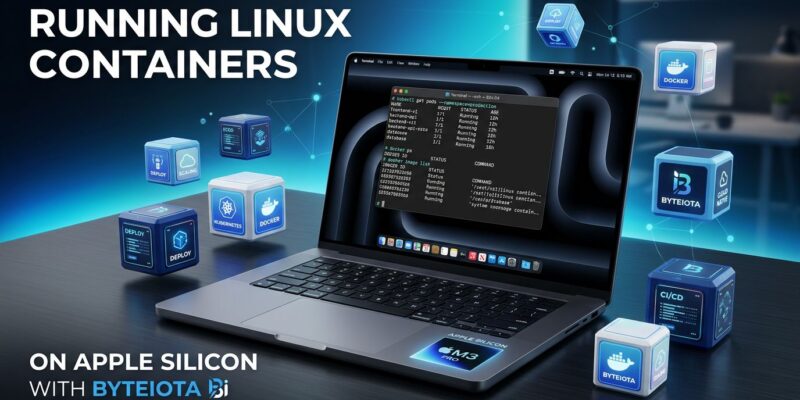
By Apple shipped a native Linux container runtime at WWDC 2026. It is open source, Apache 2.0, written in Swift, and runs each container in its own lightweight virtual machine. If you are a Mac developer paying for Docker Desktop, you now have a real alternative — with a fundamentally stronger security model and no licensing fees. The trade-offs are real. Here is what you actually need to know.
The Architecture Is Not a Gimmick
Most coverage of apple/container leads with the “Docker alternative on Mac” angle and stops there. That undersells what Apple actually built.
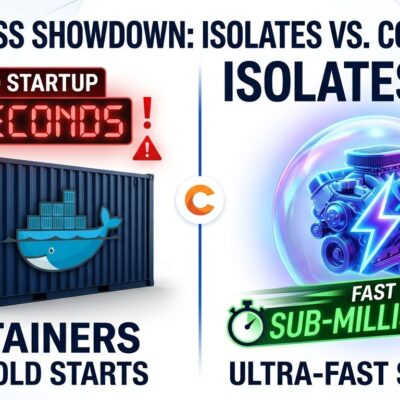
Docker Desktop works by spinning up a single Linux VM on your Mac. Every container you run lives inside that shared VM. Isolation happens through Linux namespaces — separate process trees, network stacks, and filesystems, all on the same kernel. It works well enough. The problem is that a container escape can reach other containers or escalate toward the host.
Apple took a different approach. Using apple/containerization, a Swift package built on macOS’s Virtualization.framework, each container runs in its own dedicated micro-VM. Not a namespace partition — an actual VM with its own kernel. A container escape gets you into that VM. The blast radius stops there. This is the same architecture AWS shipped with Firecracker in 2018 (the engine behind Lambda and Fargate), and what projects like Kata Containers have been advancing in the CNCF ecosystem. Apple brought it to Mac desktops.
There is a practical bonus: each container gets its own IP address. No port forwarding, no mapping, no remembering which host port maps to which container port.
Try It Now
Installation takes about 60 seconds:
brew install container
container system start
If you have not installed a Linux kernel yet, the service will prompt you. From there, the CLI is intentionally familiar:
# Pull and run Alpine Linux
container run --rm docker.io/library/alpine:latest sh

# Run nginx in the background
container run -d --name web docker.io/library/nginx:latest

# List running containers
container list

# Stop and clean up
container stop web
container rm web
Images are OCI-compatible. You can pull from Docker Hub, GitHub Container Registry, or any standard registry. Your existing Dockerfiles work without modification.
The Honest Performance Picture
Benchmarks on an M4 Mac mini comparing Apple Container 0.6.0 against Docker Desktop 4.47.0 show a split result. Apple wins on CPU throughput (about 3% ahead) and wins significantly on memory throughput — 108,588 MiB/s versus 81,634 MiB/s, a 33% lead. For long-running services — databases, background workers, API servers — that matters.
Where Apple loses: startup time. Docker Desktop spins up a container in 0.21 seconds. Apple Container takes 0.92 seconds, because each container boots an actual VM. If your workflow involves constantly cycling containers, that 700ms compounds fast. Filesystem performance on small files also trails Docker and OrbStack.
The Catches — And They Are Significant
Apple Container is at version 0.6.x. API stability is not guaranteed between minor versions. That alone should give production teams pause. Beyond that:
- No Docker Compose. The largest gap. You cannot define a multi-service environment — application server, database, cache — in a single file and bring it up with one command. Until a Compose-equivalent ships, this tool is limited to single-container workflows.
- Apple Silicon only. M1 or later. Intel Macs are excluded. Mixed-hardware teams cannot standardize on this.
- macOS 26 required for full networking. Installs on macOS 15 Sequoia, but networking is “severely limited” without macOS 26 (Tahoe).
Why Docker Desktop’s Pricing Makes This Matter
Docker Desktop is free for individuals and small companies — organizations under 250 employees and under $10M in annual revenue. Grow past either threshold and you need a paid plan. The Team tier runs $16 per user per month, with a 25-seat minimum for new customers, putting the floor at $400 per month. Add Build Cloud overages at $0.04 per minute and a 50-person team running CI/CD can see $500 to $800 per month on top of that.
Apple Container is Apache 2.0. Free for everyone, forever, no license checks, no seat minimums.
The Verdict
Apple’s container runtime is not ready to replace Docker Desktop for most teams — the missing Docker Compose support alone rules it out for multi-service development setups. But it is a serious tool, not a prototype. Solo developers and security-focused teams on Apple Silicon can evaluate it today.
Watch for Docker Compose support. That is the feature that takes this from “interesting side project” to “legitimate replacement.” When it ships — and it will — the calculus changes significantly for Mac-first development shops. For now: install it, run a few containers, and understand what Apple is building here. The architecture is right. The ecosystem will follow.